Free target-size image tool
Compress an image to 20 KB or less
A 20 KB ceiling is tight. It can work for a cropped signature, simple icon, or small profile image, but a detailed photograph may need a much smaller pixel count. Start here when a form states a strict 20 KB maximum; inspect the result before uploading it elsewhere.
Preview and results
Compare actual bytes and pixels before submitting elsewhere.
Original
Choose an image
Result
Ready after processing
Measured example
What happened to one test image at 20 KB?
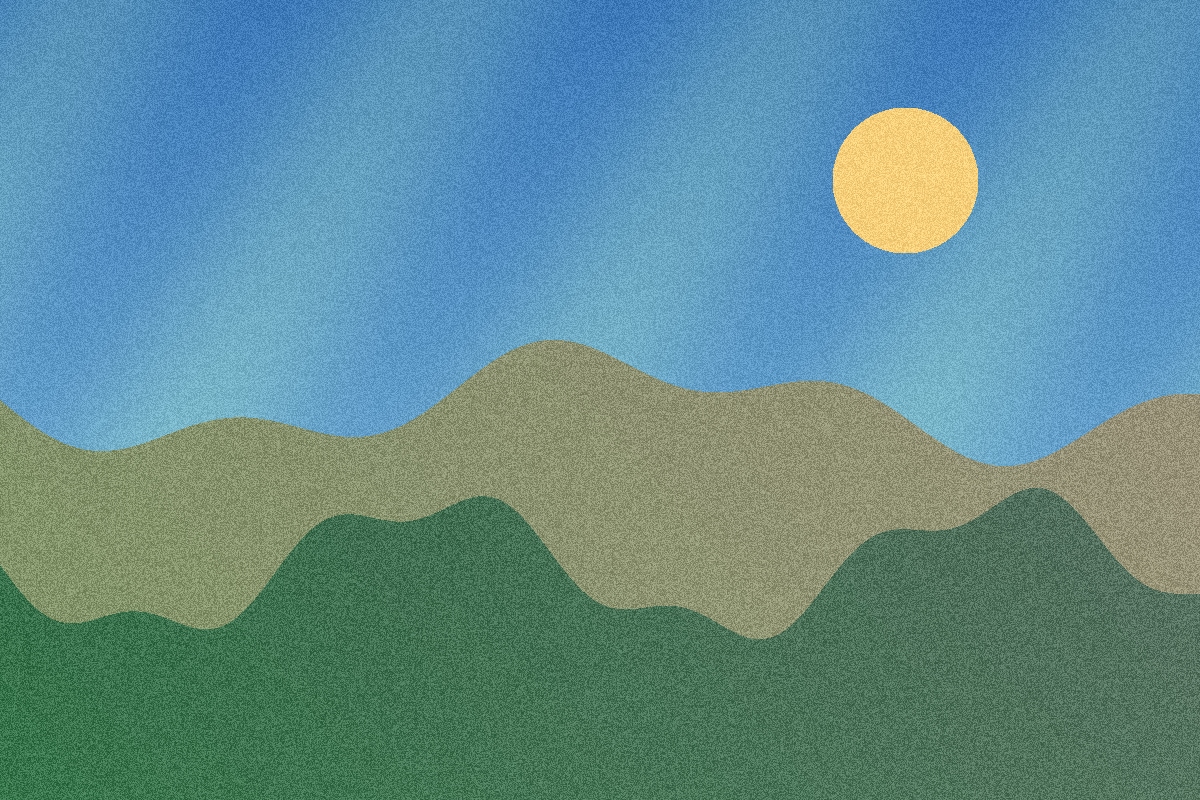
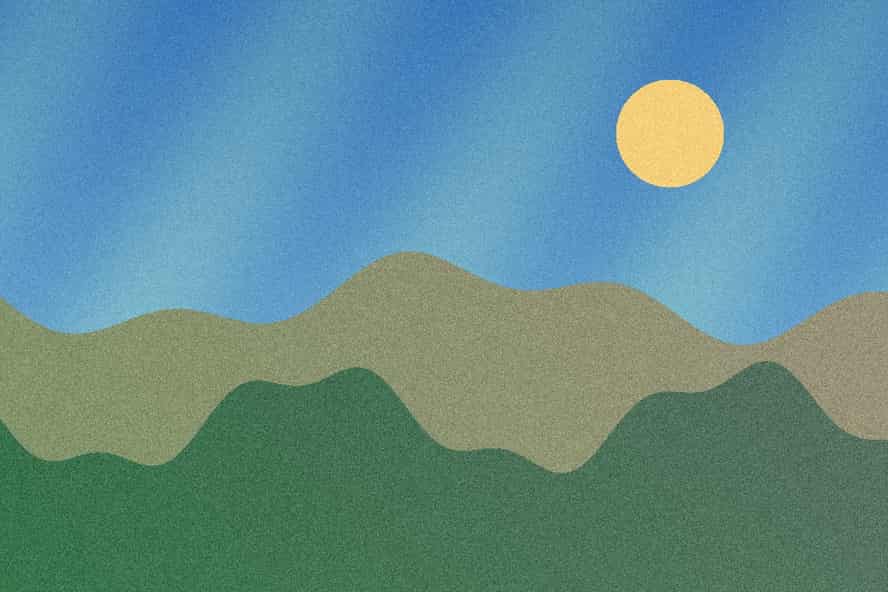
This reproducible, textured illustration was 589.1 KB (603,220 bytes) at 1200 × 800 pixels. A measured JPG export with a 20 KB cap produced 19.2 KB (19,691 bytes) at 888 × 592 pixels. It met the cap of 20,480 bytes.
The sample used the server encoder. The default browser encoder, other images, and other browsers can produce different sizes and quality. Check your own result in the tool.
What usually works at 20 KB
- Crop empty space before compression. White margins consume pixels without helping a signature or icon remain readable.
- Leave pixel dimensions optional unless the destination gives an exact size. Within-bounds mode can shrink an image further to meet the cap.
- Zoom in on thin lines, text, and faces after processing. If detail is lost, a larger file-size allowance or a simpler source image may be necessary.
Where your images are processed
JPG, PNG, and WebP process in your browser by default. HEIC and HEIF go to our server for conversion, and you can choose server processing for other files. The tool accepts up to eight images, 10 MB each and 40 MB in total. It labels any above-cap output as best effort, so check the displayed bytes and pixels before submitting it elsewhere.
Questions about the 20 KB limit
Can a 20 KB file still contain readable text?
Sometimes, for a small tightly cropped area. A full document page is unlikely to stay legible at this size. Check the downloaded image at the size your form will display it.
What if I request exact pixels and the result exceeds 20 KB?
The tool labels that output best effort. Exact canvas or crop preserves the requested pixels, so a complex image may not fit without more quality loss than this tool allows.