Free target-size image tool
Compress an image to 100 KB or less
A 100 KB ceiling gives many small photos room to keep useful detail, but file size still depends on texture, lighting, and output dimensions. This preset starts the tool at 100 KB. You can adjust it if the destination has a different limit or requires exact pixels.
Preview and results
Compare actual bytes and pixels before submitting elsewhere.
Original
Choose an image
Result
Ready after processing
Measured example
What happened to one test image at 100 KB?
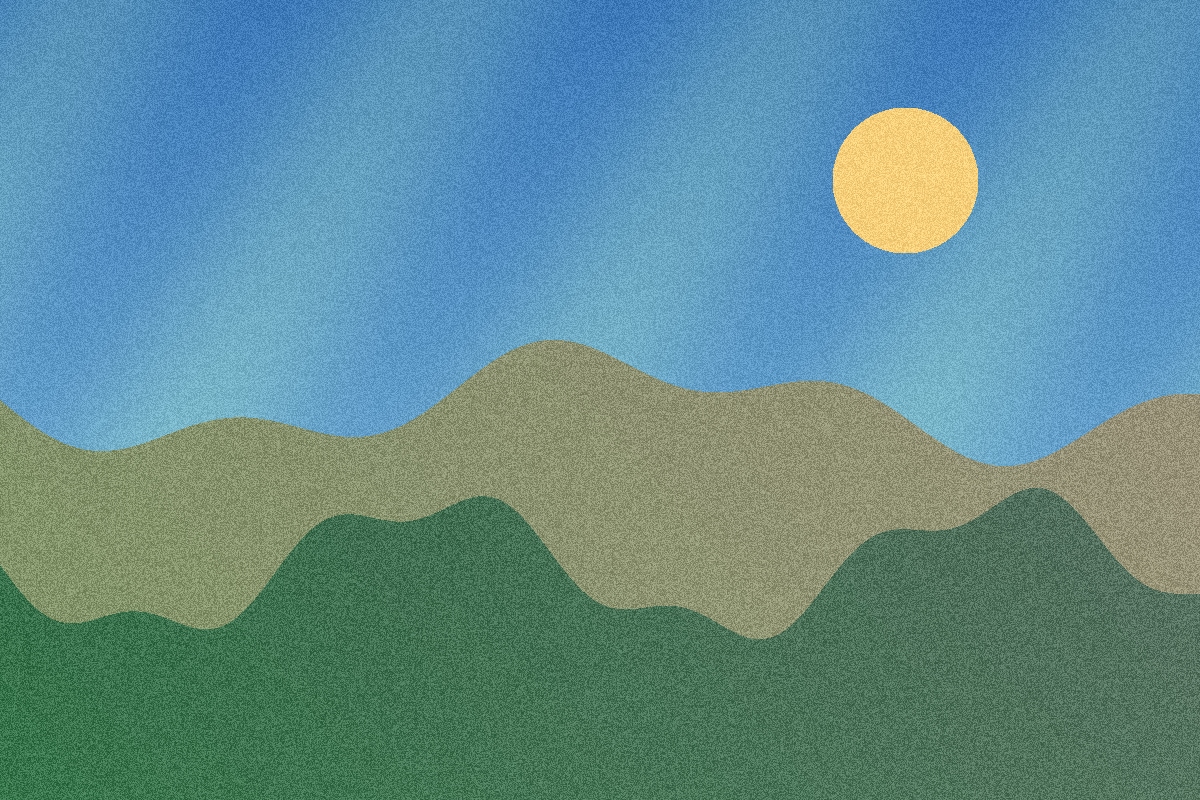
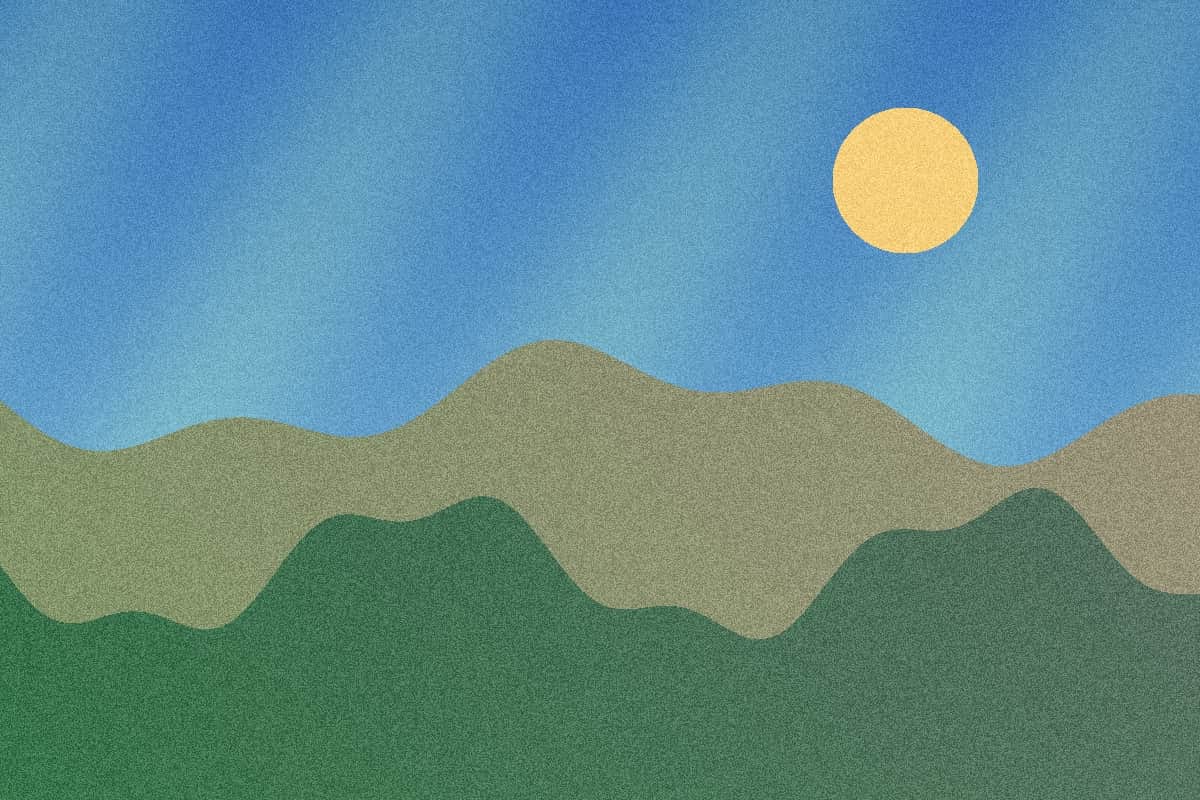
This reproducible, textured illustration was 589.1 KB (603,220 bytes) at 1200 × 800 pixels. A measured JPG export with a 100 KB cap produced 97.1 KB (99,392 bytes) at 1200 × 800 pixels. It met the cap of 102,400 bytes.
The sample used the server encoder. The default browser encoder, other images, and other browsers can produce different sizes and quality. Check your own result in the tool.
Preserve detail that matters
- Check faces, text, and product edges after conversion. Those areas reveal artifacts sooner than a plain background.
- If a form states only a maximum width and height, choose within bounds. The image can shrink further when needed to fit 100 KB.
- Keep the original if the output is already under 100 KB and in the requested format; the tool avoids needless re-encoding in that case.
Where your images are processed
JPG, PNG, and WebP process in your browser by default. HEIC and HEIF go to our server for conversion, and you can choose server processing for other files. The tool accepts up to eight images, 10 MB each and 40 MB in total. It labels any above-cap output as best effort, so check the displayed bytes and pixels before submitting it elsewhere.
Questions about the 100 KB limit
Why did my pixels change if I entered 100 KB?
When quality alone cannot meet the cap, within-bounds processing may downscale the image. Use exact canvas only if the destination truly requires fixed pixels, and check whether the cap is still met.
Can I prepare several 100 KB files together?
Yes. Add up to eight supported images, review each result separately, and download individual files or a ZIP with a CSV result report.