What this test found
Both HEIC files decoded and exported as JPG at their original pixel dimensions. Both inputs contained GPS metadata; the two measured JPG outputs had no EXIF tags or GPS coordinates. The sample images are not a guarantee for every HEIC variant or future converter version.
The three square catalog outputs were exactly 1600 × 1600 px. All three were marked Review because white padding was added; a seller still needs to inspect framing, background, product fill, and destination rules.
HEIC to JPG: size, pixels, and metadata
These are original HEIC test files from HEIC Digital’s sample gallery. We inspected EXIF with Exifr, decoded with the app’s HEIC pipeline, then encoded JPG at its default quality 85 with MozJPEG. Original HEIC files and GPS values are not hosted in this study.
| HEIC sample | Input | JPG output | Pixels | EXIF tags | GPS | PSNR* |
|---|---|---|---|---|---|---|
| Christmas decoration | 1408.5 KiB | 903.5 KiB | 4000 × 3000 | 47 → 0 | Present → Absent | 42.2 dB |
| Greyhounds | 1681.1 KiB | 1565.0 KiB | 3024 × 4032 | 58 → 0 | Present → Absent | 41.1 dB |
* PSNR compares the JPG to the already decoded 8-bit image pixels. It measures re-encoding error, not the accuracy of the original scene, color-profile retention, or what a person finds acceptable. The pipeline reported that it dropped the original ICC profile on these two samples. We did not inspect the photos for subjective quality.
If location privacy matters, inspect the output yourself before sharing it. Keep your original HEIC when you need camera metadata, color profile, or Live Photo content.
Square catalog preparation: three image batch
We passed the same three CC0 photographs from the format study through the Studio’s 1600 × 1600 white canvas JPG settings. This used the actual processSellerImage function with a Node Canvas harness. Output bytes can differ in Chrome, Safari, or Firefox.
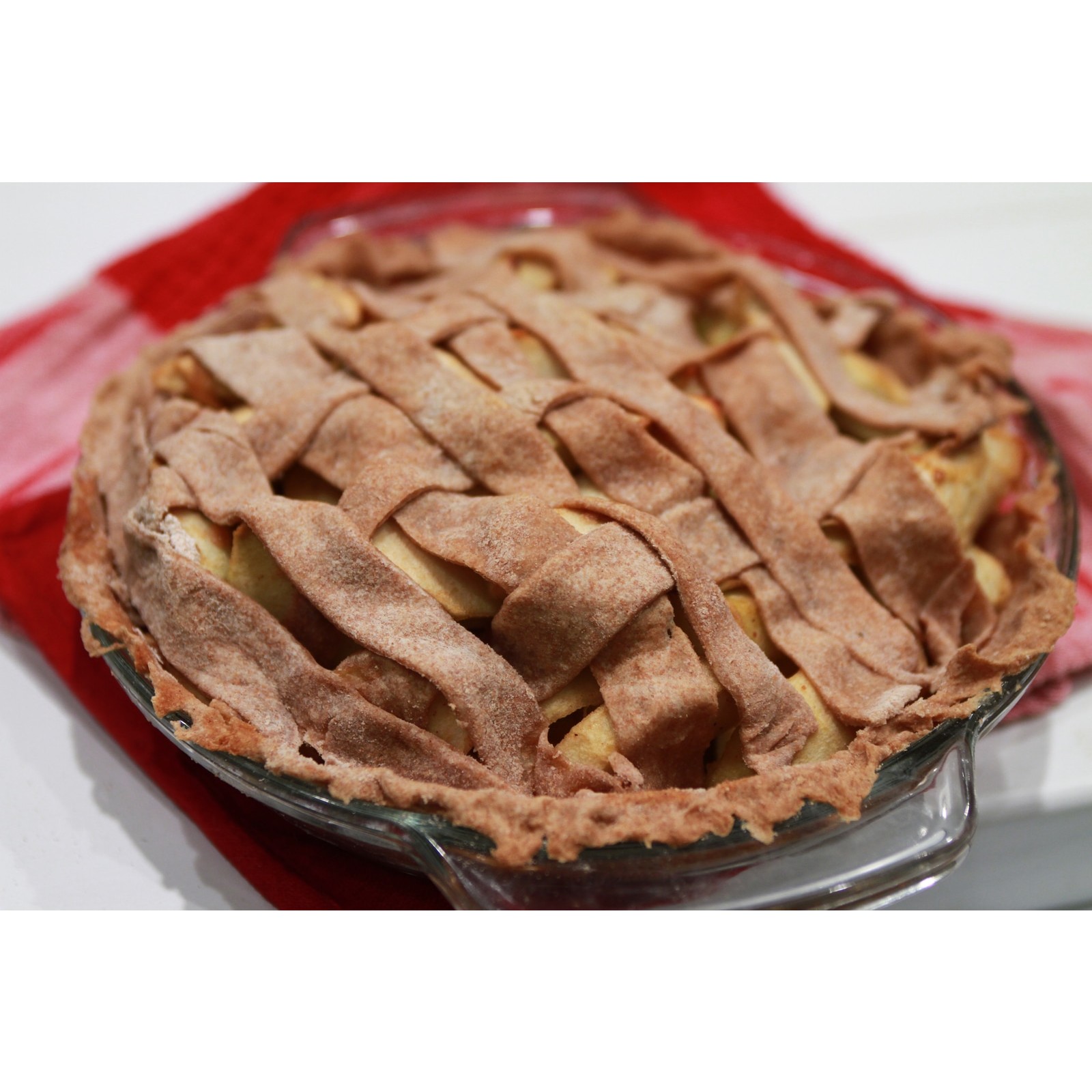
339.3 KiB source → 310.8 KiB output
1600 × 1600 px · Review
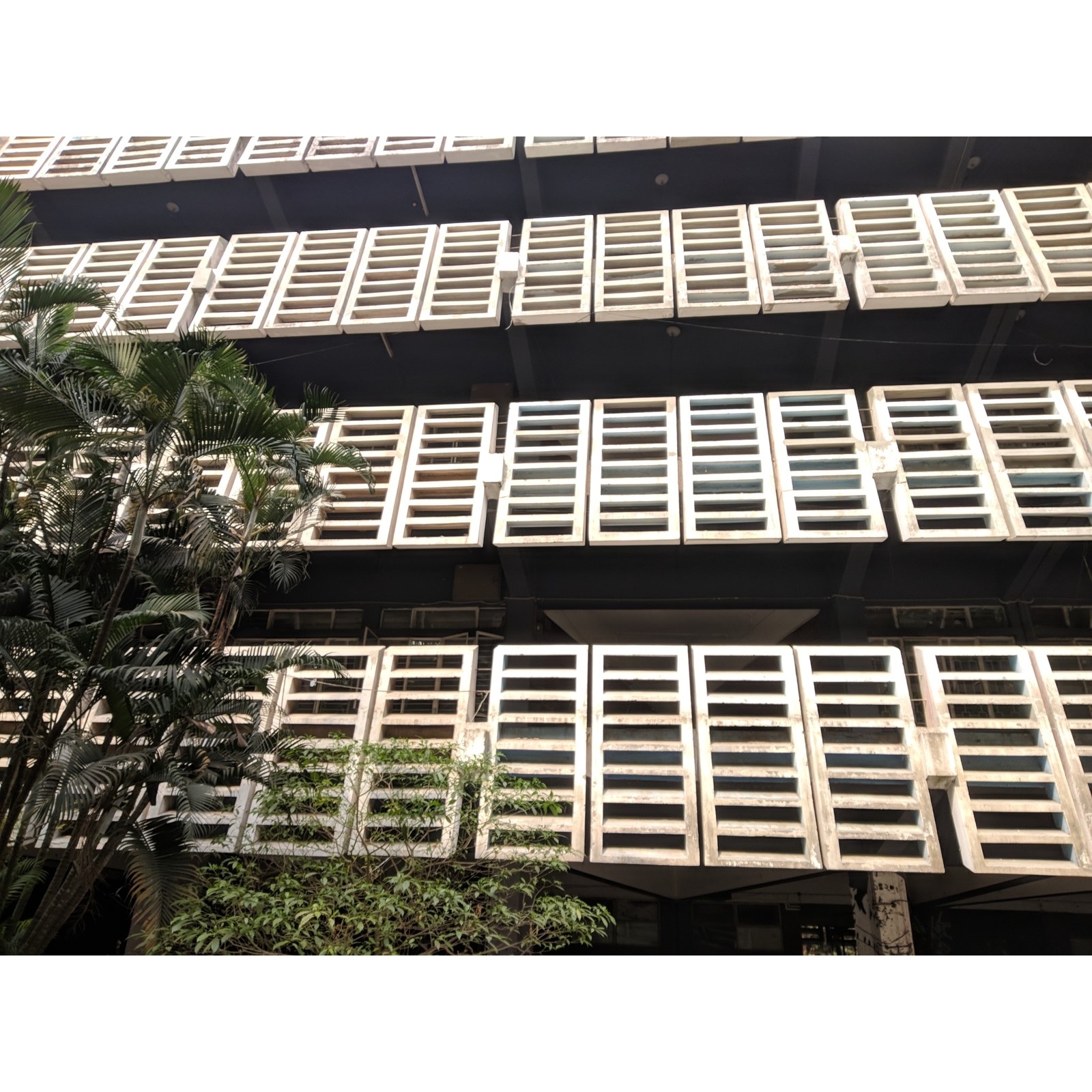
543.6 KiB source → 507.6 KiB output
1600 × 1600 px · Review
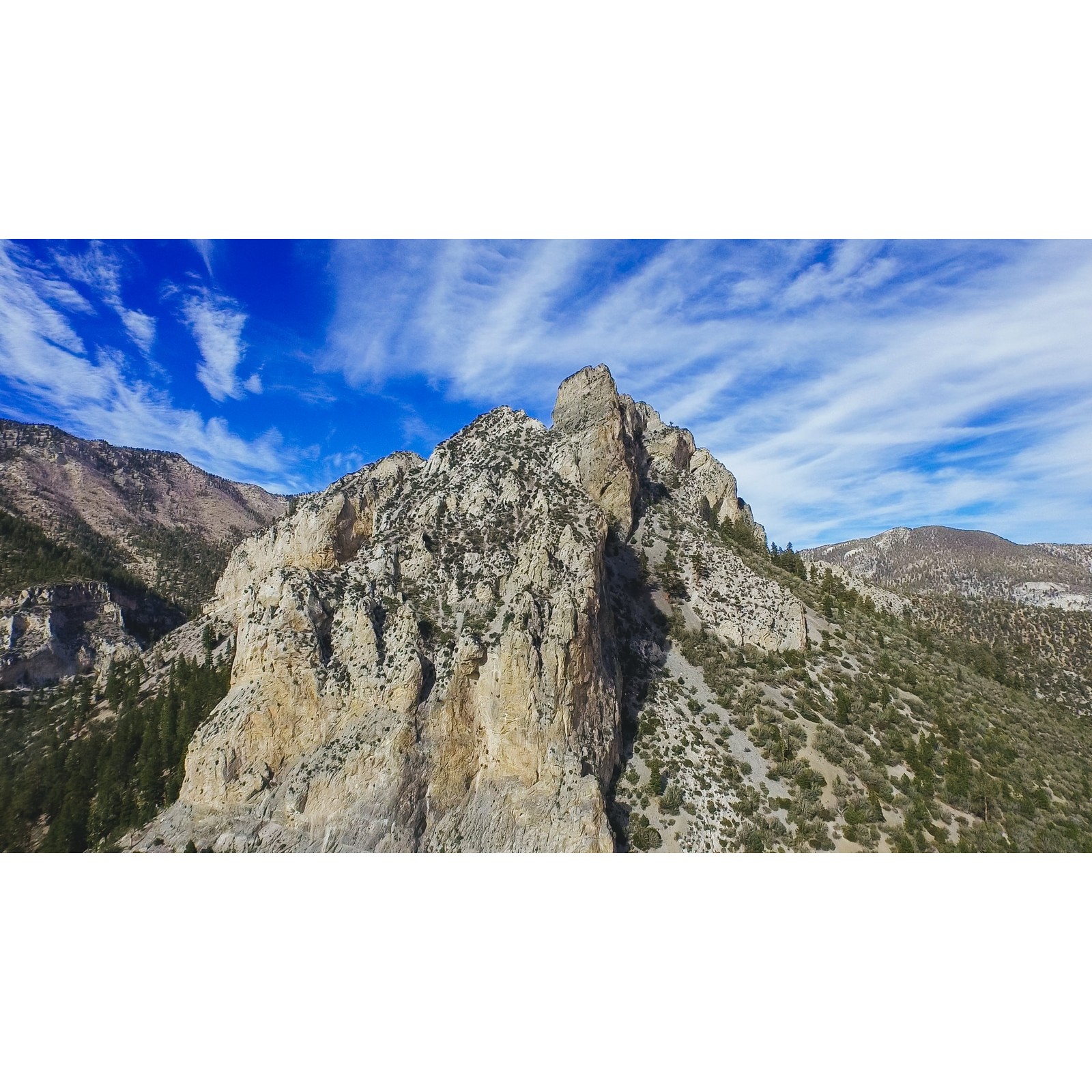
574.5 KiB source → 569.1 KiB output
1600 × 1600 px · Review
The white space is intentional and the original background remains inside each photo. This is a dimension and encoding test, not an Amazon, Etsy, or Shopify approval test. Real product photos can need background cleanup, a different canvas, or a category-specific crop.
Reproduce and interpret carefully
The HEIC source checksums and source links, normalized CC0 photographs, exact Studio settings, result checksums, and rerun commands are recorded in the methodology. We publish Boolean GPS presence, not coordinates.
This local run does not validate a user’s browser, a VPS deployment, a 12 image production batch, or every HEIC feature. Recheck metadata behavior after changing the HEIC decoder or JPG encoder. The square test uses general photographs; it does not measure sales conversion or marketplace compliance.
Try the relevant workflow
Convert an iPhone image for a JPG-only destination, then prepare a small, consistent batch in your browser.