The short result
All 18 outputs met their stated caps. We used 50 and 100 KiB, meaning 51,200 and 102,400 bytes. The encoders often finished below the cap. Output dimensions and visible detail changed with the format and scene.
These results do not establish a universal format winner. Quality numbers mean different things in each codec, and this test did not use a viewer study.
Look at the same photograph
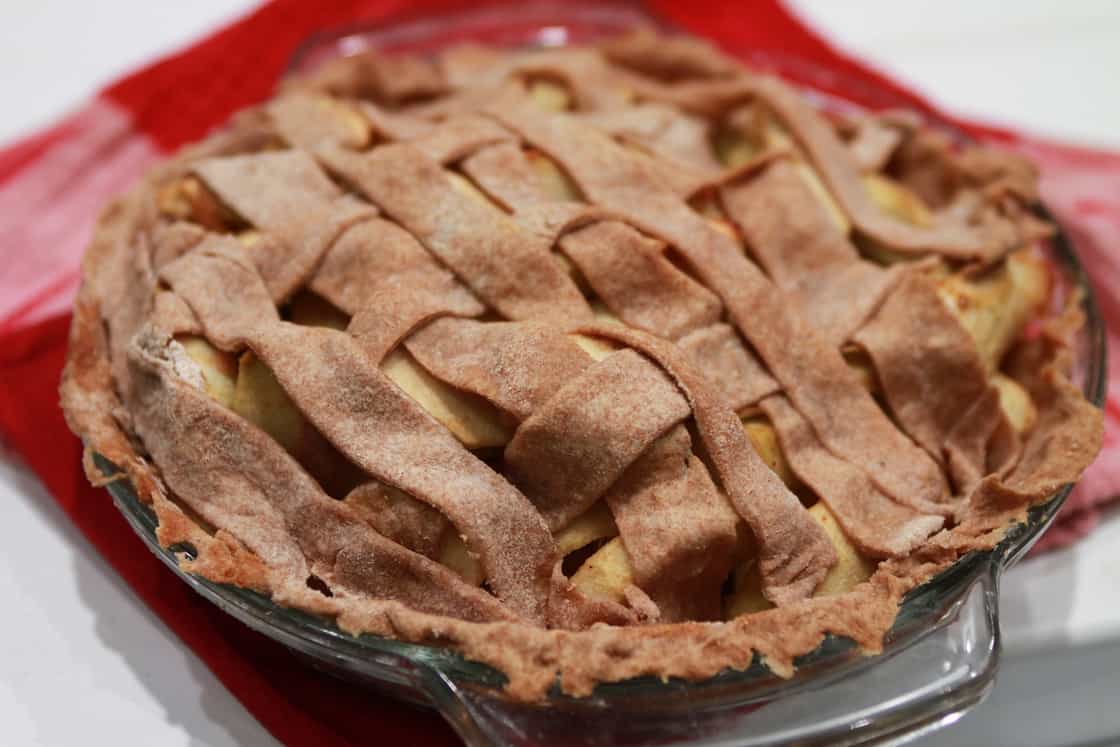
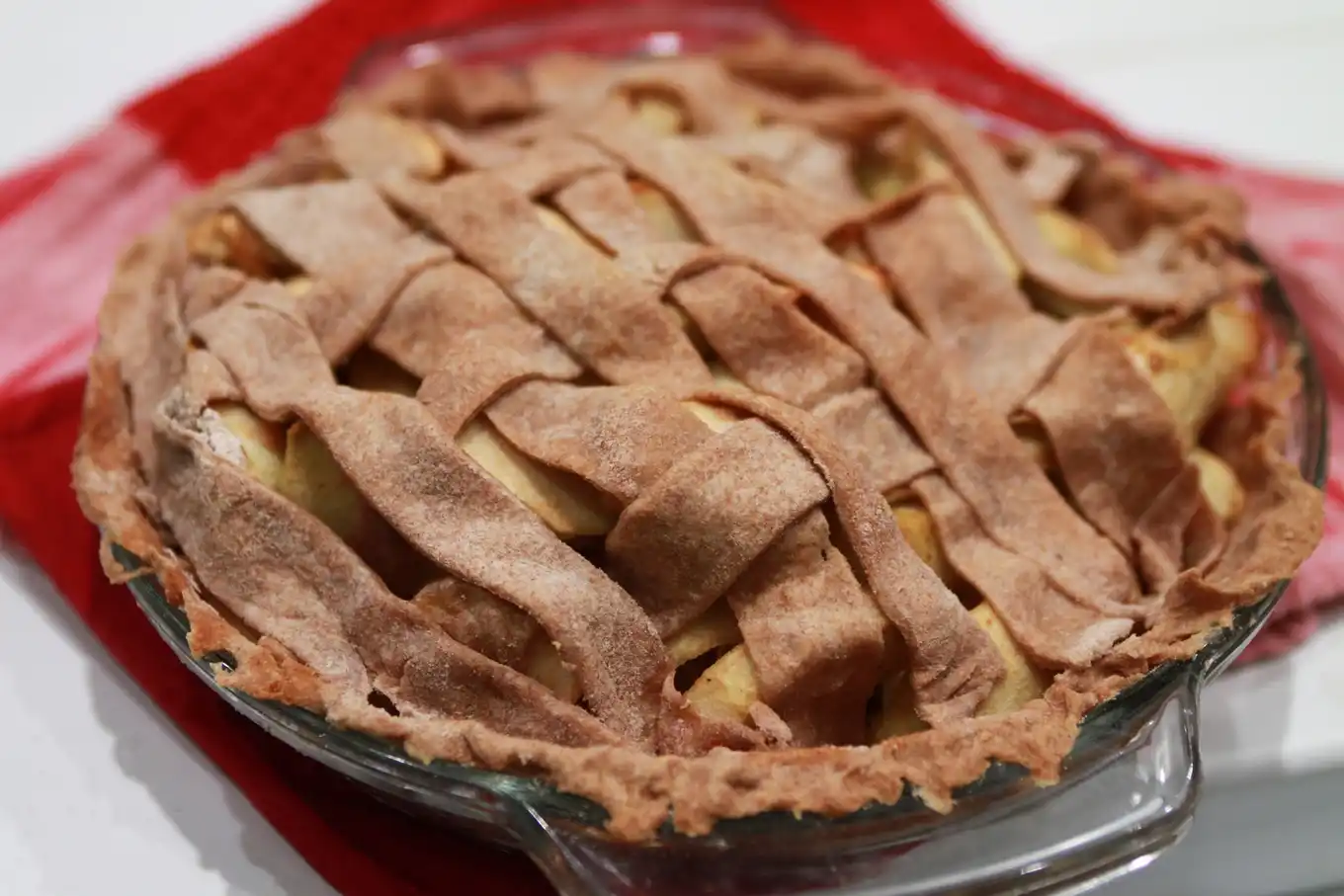
This fruit pie is one of the three sources. Open an output at full size to inspect edges, texture, and any loss of detail. The files below are the measured artifacts, served without a second image optimization pass.
50 KiB limit
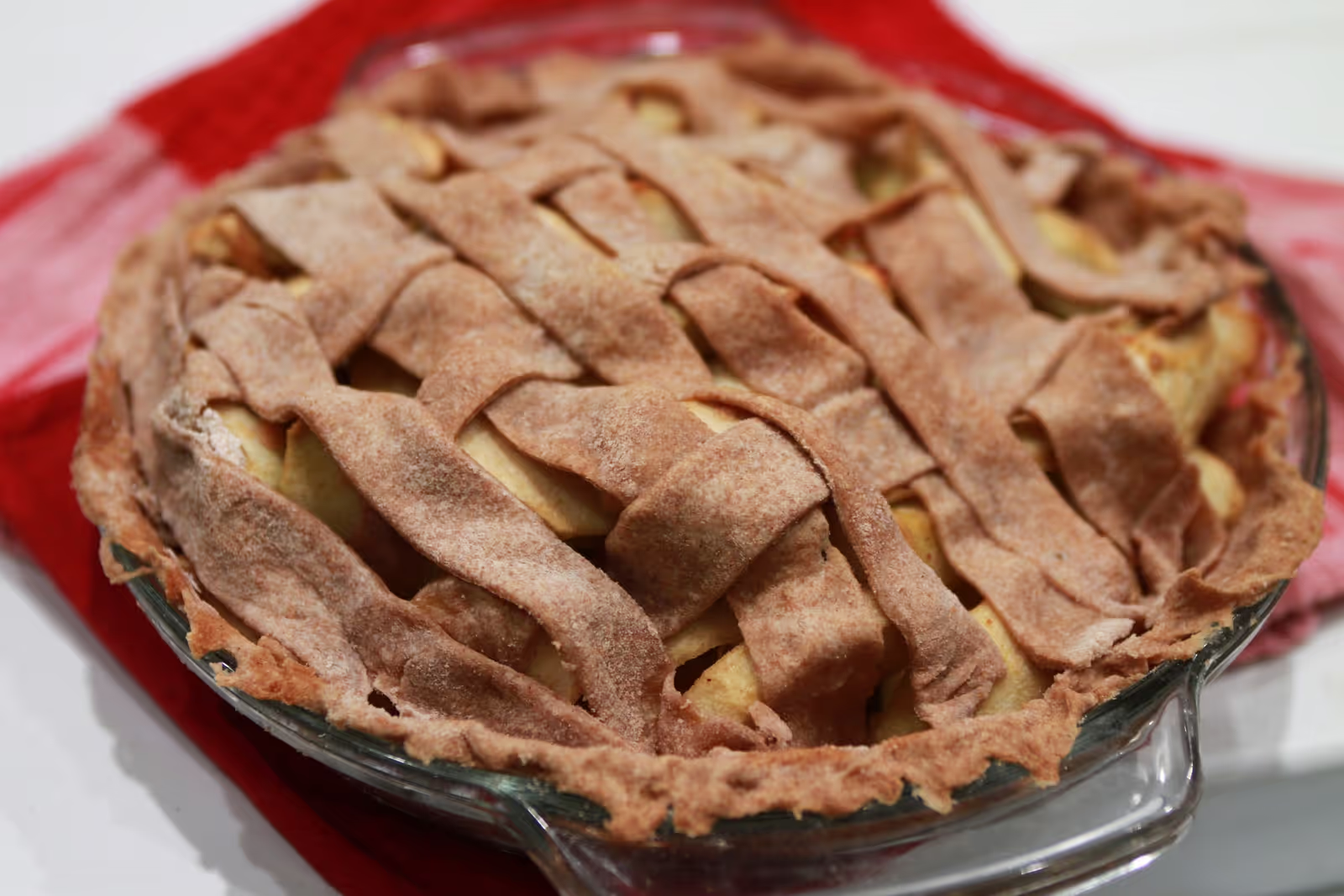
100 KiB limit
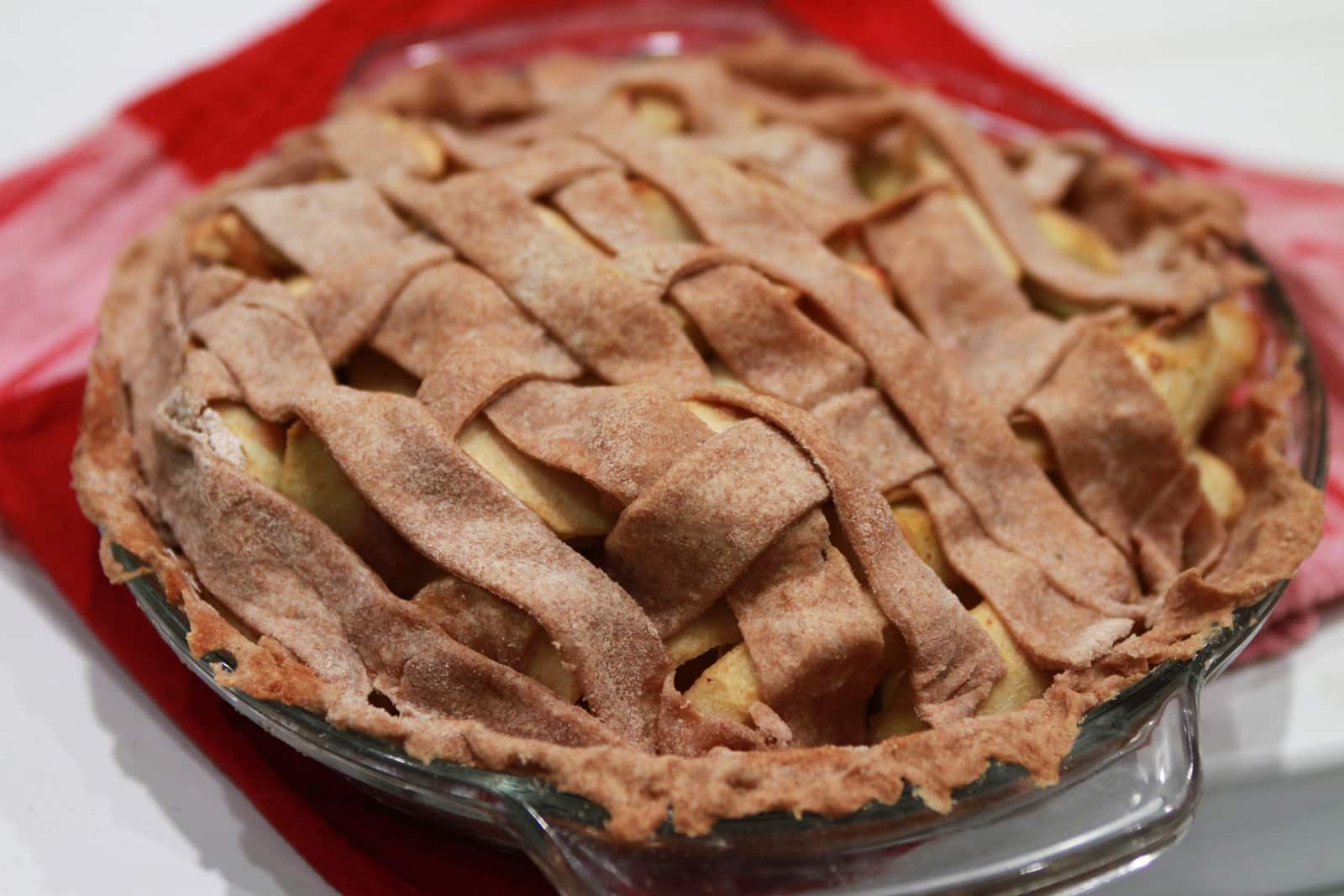
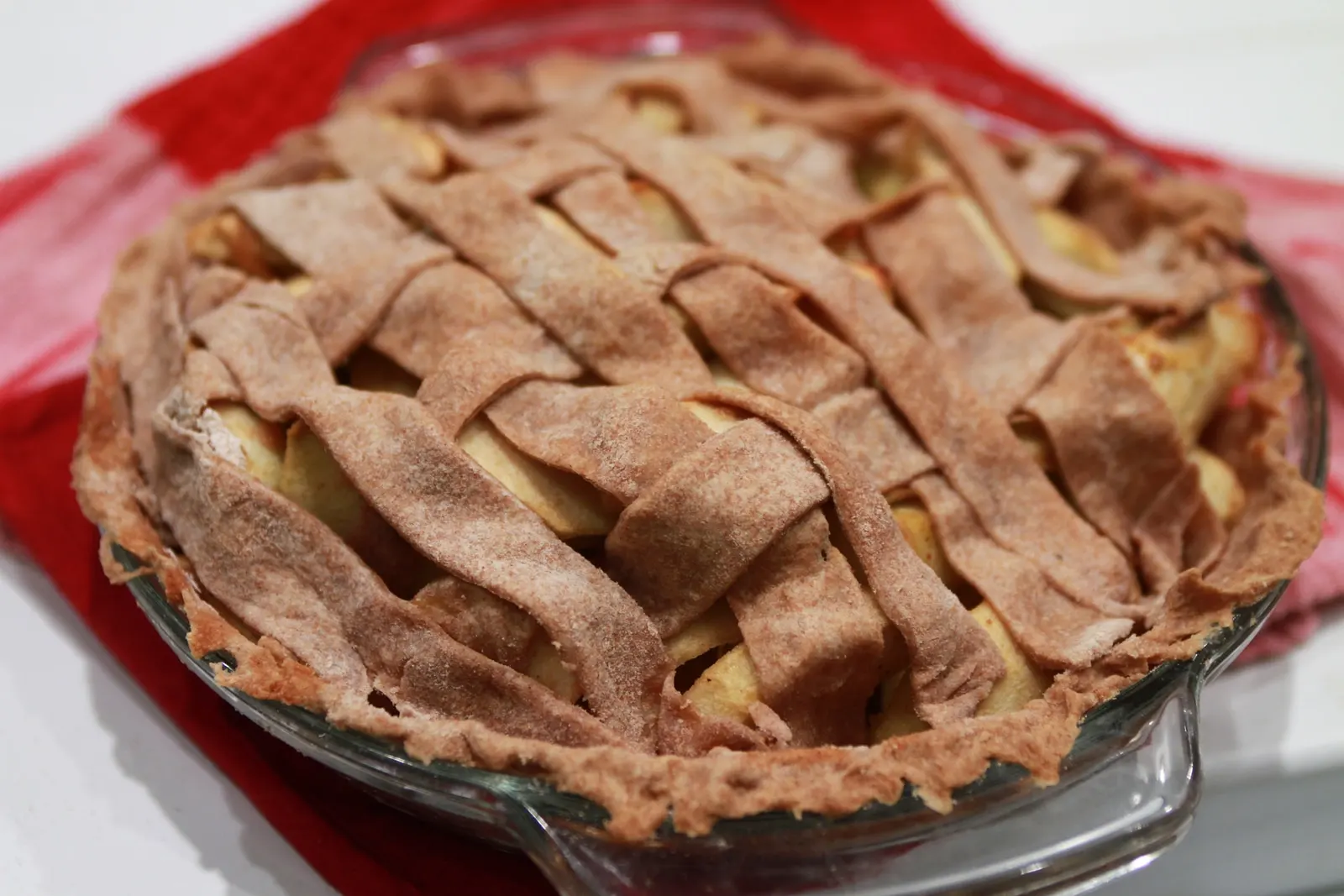
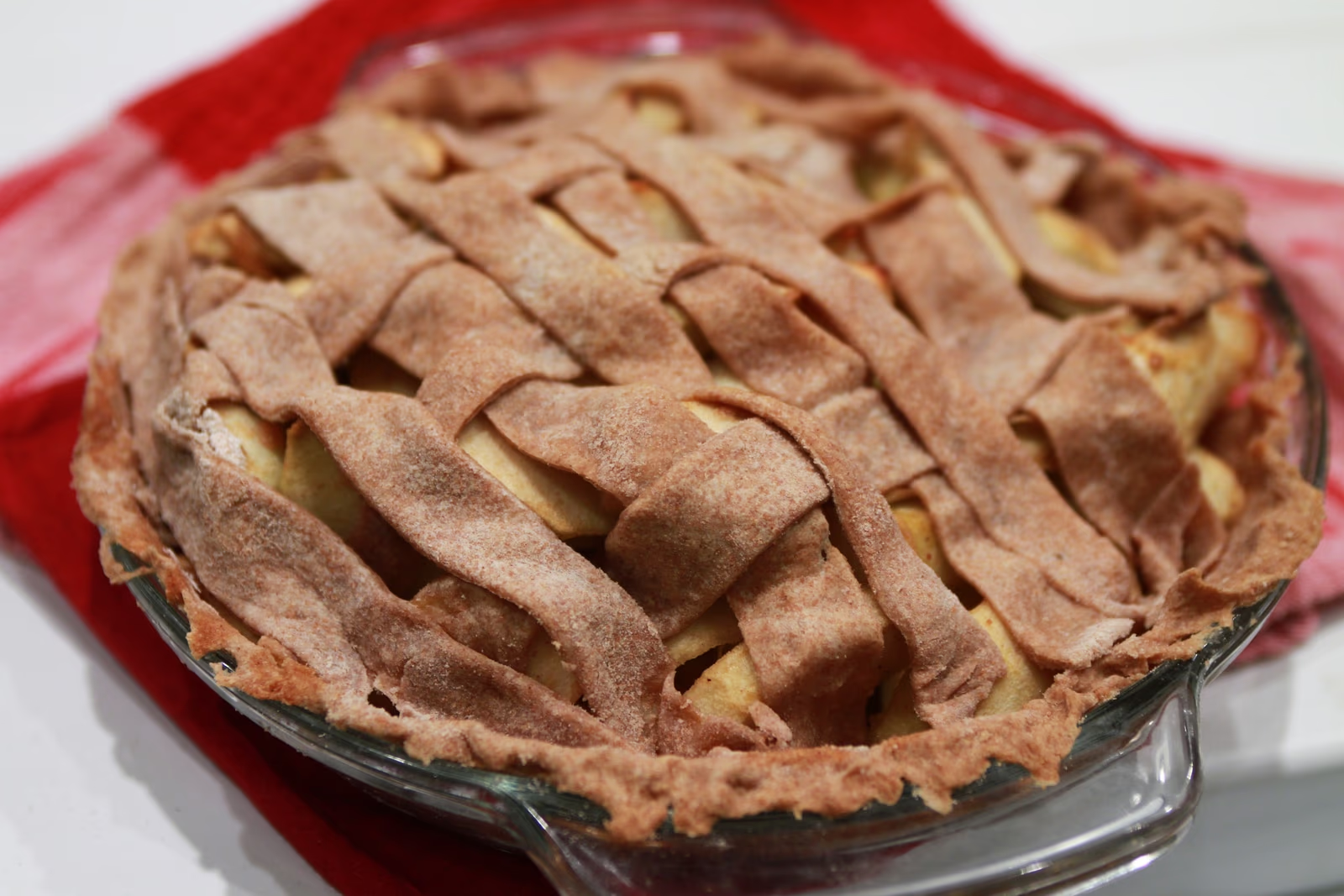
All measured outputs
Source images were normalized to 1600 px wide before this test. The “quality” column records the encoder setting selected by the search; it is not a cross-format quality score.
| Photo | Cap | Format | Actual size | Pixels | Quality setting | File |
|---|---|---|---|---|---|---|
| Fruit pie | 50 KiB | JPG | 48.2 KiB | 1120 × 747 | 51 | Open |
| Fruit pie | 50 KiB | WebP | 49.2 KiB | 1360 × 907 | 46 | Open |
| Fruit pie | 50 KiB | AVIF | 47.9 KiB | 1600 × 1067 | 46 | Open |
| Fruit pie | 100 KiB | JPG | 99.1 KiB | 1600 × 1067 | 62 | Open |
| Fruit pie | 100 KiB | WebP | 96.4 KiB | 1600 × 1067 | 77 | Open |
| Fruit pie | 100 KiB | AVIF | 99.9 KiB | 1600 × 1067 | 65 | Open |
| Architecture | 50 KiB | JPG | 49.4 KiB | 640 × 480 | 67 | Open |
| Architecture | 50 KiB | WebP | 49.7 KiB | 640 × 480 | 62 | Open |
| Architecture | 50 KiB | AVIF | 49.0 KiB | 640 × 480 | 53 | Open |
| Architecture | 100 KiB | JPG | 99.7 KiB | 1120 × 840 | 53 | Open |
| Architecture | 100 KiB | WebP | 99.6 KiB | 1120 × 840 | 52 | Open |
| Architecture | 100 KiB | AVIF | 97.0 KiB | 1600 × 1200 | 40 | Open |
| Mountain landscape | 50 KiB | JPG | 49.8 KiB | 880 × 495 | 48 | Open |
| Mountain landscape | 50 KiB | WebP | 49.3 KiB | 640 × 360 | 71 | Open |
| Mountain landscape | 50 KiB | AVIF | 49.3 KiB | 640 × 360 | 56 | Open |
| Mountain landscape | 100 KiB | JPG | 99.9 KiB | 1120 × 630 | 61 | Open |
| Mountain landscape | 100 KiB | WebP | 98.8 KiB | 880 × 495 | 76 | Open |
| Mountain landscape | 100 KiB | AVIF | 99.7 KiB | 1120 × 630 | 43 | Open |
Method and limits
- We downloaded three CC0 photographs, verified their SHA-256 checksums, applied orientation, and made 1600 px wide JPG reference files at quality 94. Normalization removed original EXIF and GPS.
- For each source, cap, and format, a local Sharp encoder searched integer quality 40–90 and, when needed, smaller widths at 85%, 70%, 55%, 40%, or 30% of 1600 px. It kept the largest tested size and highest tested quality that fit.
- We counted encoded file bytes and read output pixel dimensions. No human image-quality rating or browser download speed was measured. The AVIF output came from this lab script; the target-KB tool currently offers JPG and WebP.
The reference photos were already JPEGs. Re-encoding cannot recover detail the camera or original JPEG removed. Photographs with text, transparent backgrounds, noise, or different colors may behave very differently. Browser encoders can also produce different bytes from this server-side Sharp run.
Source photographs and reuse
- Fruit pie by Lisafern · CC0 1.0 · normalized file 339.3 KiB, 1600 × 1067 px
- Architecture by Wiki Ruhan · CC0 1.0 · normalized file 543.6 KiB, 1600 × 1200 px
- Mountain landscape by Pixel.la (photo metadata: Ed Gregory) · CC0 1.0 · normalized file 574.5 KiB, 1600 × 900 px
The exact hashes, settings, and rerun commands are recorded in the research methodology.
Try your own image
Set the destination’s real limit, inspect the downloaded bytes and pixels, and keep a copy of the original.