
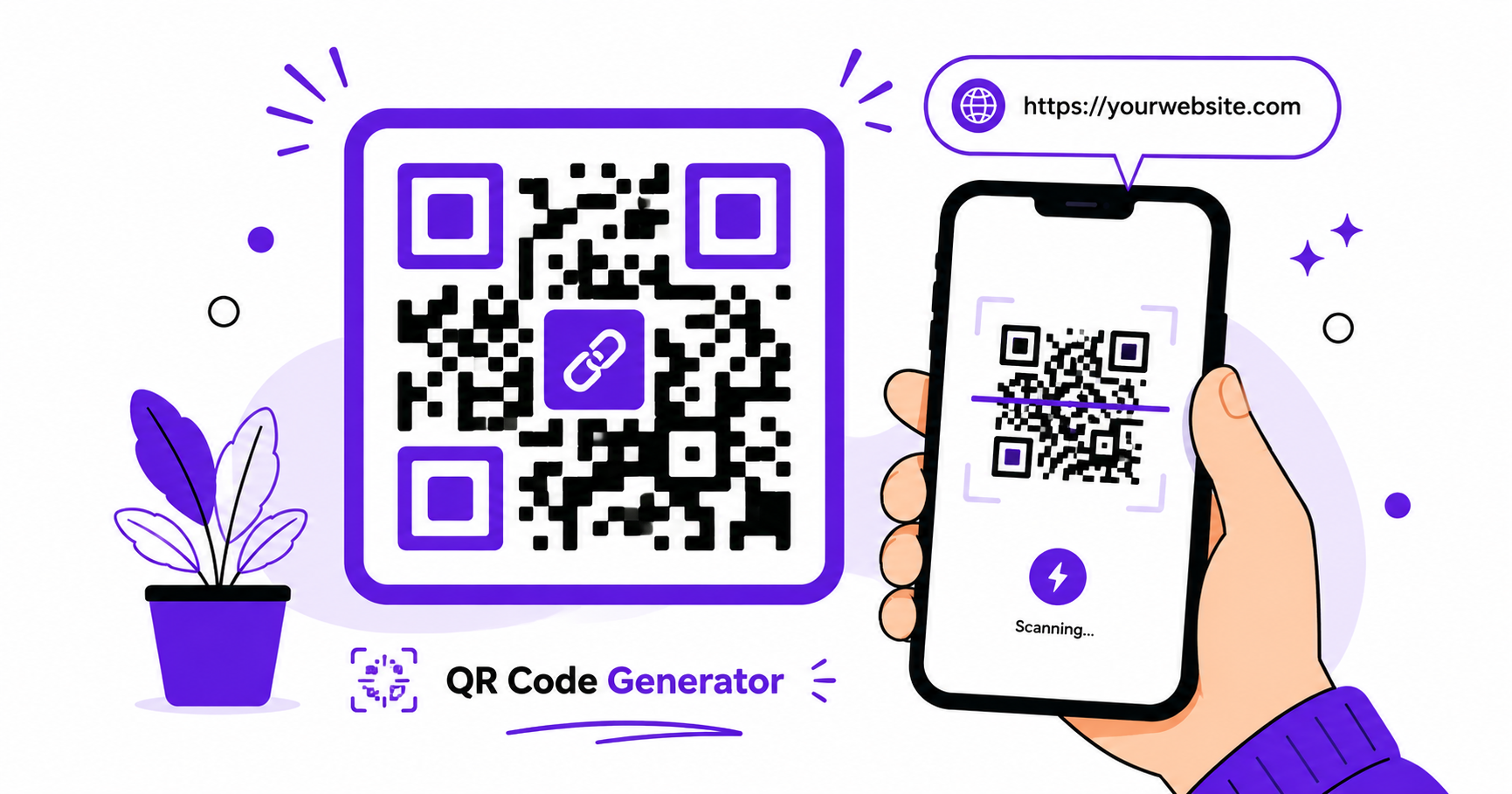
QR codes have become a normal part of everyday life, from restaurant menus to business cards to WiFi sharing. Creating your own takes just a few seconds online, with no app download or design experience needed.
What Are QR Codes Used For?
QR codes let someone scan a small pattern with their phone camera to instantly open a link, view text, connect to WiFi, or access other information without typing anything manually. Common uses include:
- Linking to a website, menu, or social media profile
- Sharing WiFi network credentials without typing a password
- Displaying contact information on a business card
- Directing customers to a review page, form, or promotion
Dynamic vs Static QR Codes
Static QR codes encode information directly into the pattern itself. Once created, the destination cannot be changed, so if the link updates, you’ll need a new code. Dynamic QR codes point to a redirect service, letting you update the destination later without changing the printed or shared code. For simple, one-time use cases like a single event or menu, static codes are usually sufficient.
How to Generate a QR Code — Step-by-Step
Using ImageConvertNow’s QR code generator:
- Go to imageconvertnow.com/qr-generator.
- Enter the link, text, or WiFi details you want to encode.
- Customize the color and size of your QR code.
- Click Generate and download your finished QR code image.
Customizing Color and Size
Most QR generators let you adjust the foreground and background colors to match your branding, along with the overall pixel size for printing at different scales. Keep in mind that very light color combinations or overly small sizes can make a QR code harder for phone cameras to scan reliably, so stick with strong contrast between the code and its background.
Frequently Asked Questions
1. Will my QR code still work if I change the colors?
Yes, as long as there’s strong contrast between the QR pattern and its background. Low-contrast color combinations can make scanning unreliable.
2. What’s the difference between a static and dynamic QR code?
A static QR code has a fixed destination that can’t be changed after creation, while a dynamic QR code redirects through a service that lets you update the destination later.
3. Is generating a QR code online free?
Yes, ImageConvertNow’s QR code generator is free to use with no account required.
4. Can I create a QR code for WiFi sharing?
Yes, many QR generators support encoding WiFi network name and password so guests can connect by scanning instead of typing credentials manually.
5. What size should I print my QR code at?
Larger sizes are generally easier to scan from a distance, so consider how far away people will be standing when scanning, and size your printed QR code accordingly.
Conclusion
Creating a custom QR code for a link, WiFi network, or contact card takes seconds with the free QR code generator.
Once generated, you can resize your QR code image for printing, or compress it if you’re embedding it in a digital document. For more on image formats and web best practices, see web.dev’s image optimization guide, MDN’s image formats reference, and W3Schools’ HTML images guide.