
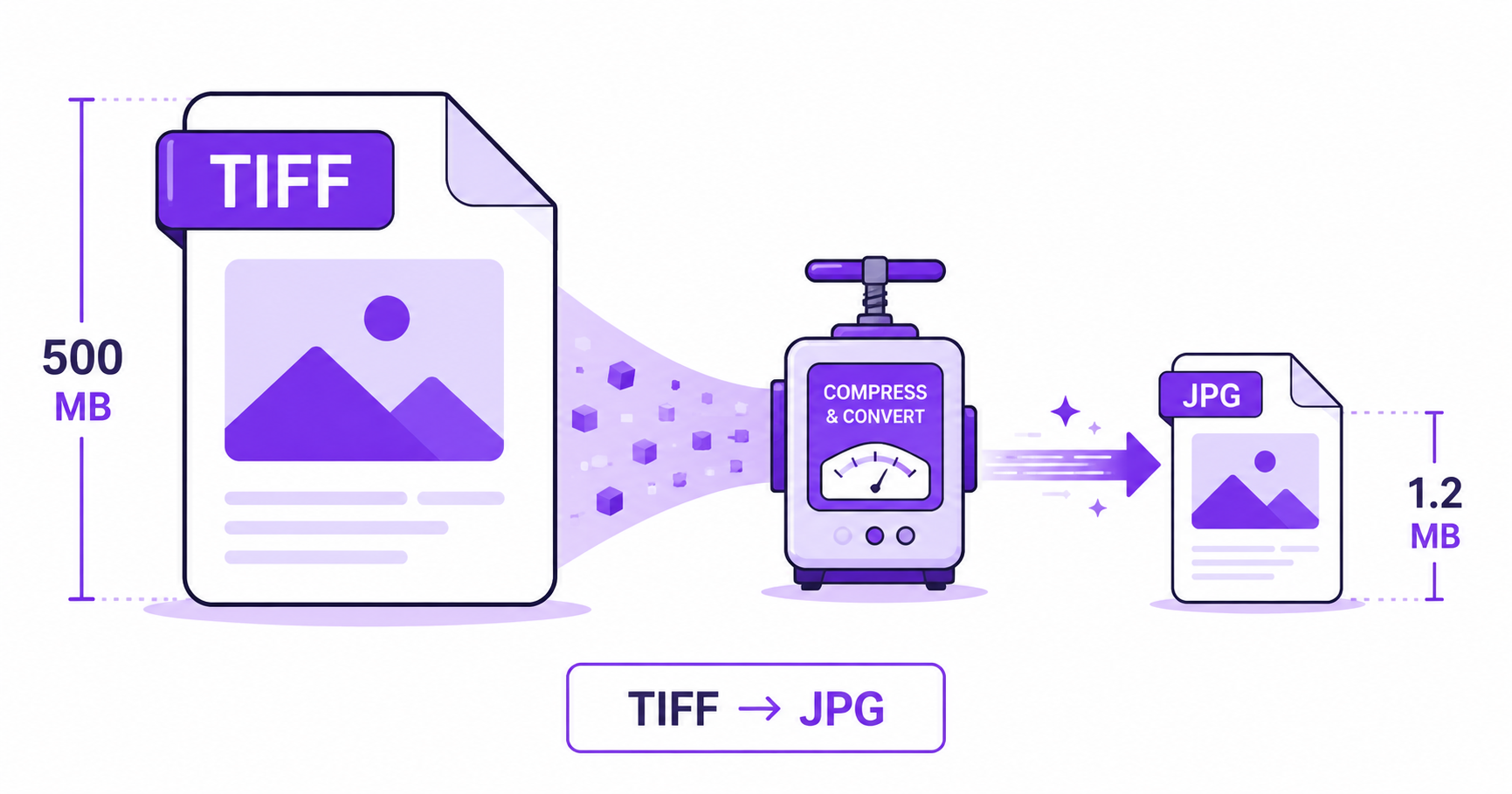
If you’ve ever opened a folder of scanned documents or professional photography files and noticed they’re each dozens of megabytes, you were probably looking at TIFF. It’s a fantastic format for print and archiving, but completely impractical for email, websites, or everyday sharing. Converting to JPG solves that in seconds.
What Is TIFF Used For?
TIFF (Tagged Image File Format) is the standard for professional photography, scanning, and print production because it stores image data with little to no compression, along with support for multiple layers, high bit-depth color, and metadata used in publishing workflows. This makes TIFF the preferred format for archival scans, medical imaging, and print-ready design files, as referenced in the ISO’s imaging standards.
Why TIFF Is Too Large for the Web
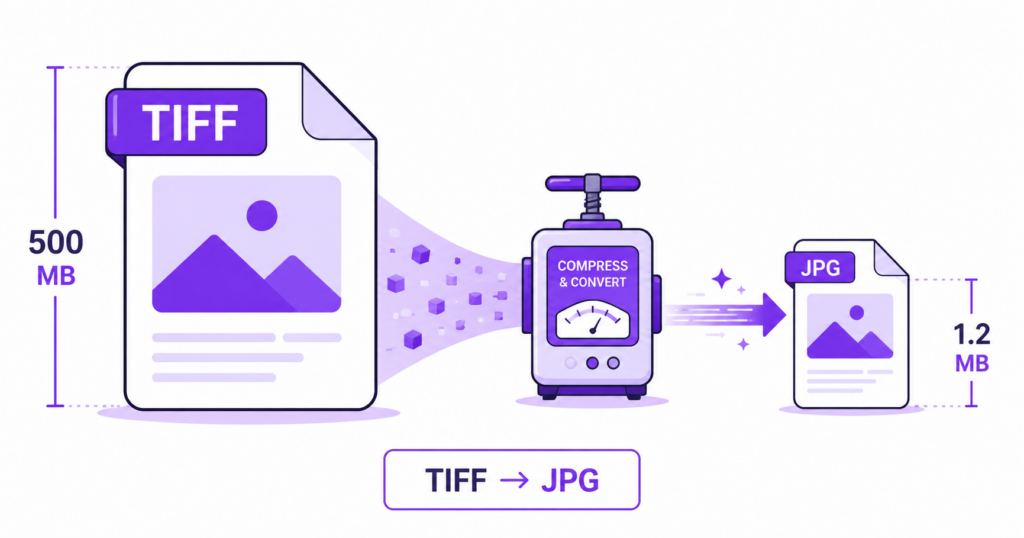
That same lack of compression that makes TIFF ideal for print is exactly what makes it a poor fit for the web. A single TIFF photo can easily be 20 to 100 times larger than a JPG version of the same image. Uploading TIFF files to a website, sending them by email, or sharing them over messaging apps is slow, and many platforms won’t even accept the format at all.
How to Convert TIFF to JPG Online — Step-by-Step
Using ImageConvertNow’s TIFF to JPG tool:
- Go to imageconvertnow.com/tiff-to-jpg.
- Upload your TIFF file (or a batch of scanned pages).
- Click Convert and let the tool process the image.
- Download your new JPG file, ready for web, email, or sharing.
Tips for Best Results
- Use a high JPG quality setting (85% or above) for professional or print-adjacent photos where detail matters most.
- For scanned text documents, a slightly lower quality setting is usually fine since text remains legible even with moderate compression.
- Keep your original TIFF files as an archive copy, especially for scanned documents or professional photography, since TIFF preserves detail that JPG’s lossy compression cannot fully restore.
- If you’re processing a large batch of scanned pages, convert them together rather than one at a time to save time.
Common Use Cases
- Scanned document sharing: Turn bulky scanner output into lightweight files that are easy to email or upload.
- Photography portfolios: Share TIFF-quality photos on the web in a format browsers and viewers actually support well.
- Print-to-digital workflows: Repurpose a print-ready TIFF file for web or social use.
- Archival access: Provide a quick-viewing JPG version of an archived TIFF without needing specialized software to open it.
Frequently Asked Questions
1. Why are my scanned TIFF files so much bigger than a photo taken on my phone? Scanners typically save output as TIFF with minimal or no compression to preserve every detail for archival or print purposes, which naturally results in much larger file sizes than a compressed JPG from a phone camera.
2. Will converting TIFF to JPG make text in scanned documents blurry? At a reasonable quality setting, text usually stays legible, though very fine print may show minor softening. For text-heavy documents where perfect clarity matters, testing a higher quality setting is recommended.
3. Is TIFF to JPG conversion free? Yes, ImageConvertNow converts TIFF to JPG for free with no account or software installation required.
4. Should I delete my original TIFF files after converting to JPG? No, it’s best practice to keep your original TIFF files as an archival master copy, especially for scanned documents, professional photography, or print materials, since TIFF preserves detail that a compressed JPG cannot fully recover if you ever need the source file again.
5. Can I convert multiple TIFF files to JPG in one session? Many online converters, including ImageConvertNow, support processing multiple files so you can convert a batch of scanned pages or photos without doing them one at a time.
Conclusion
TIFF is excellent for archiving and print, but it’s the wrong tool for sharing and web use. Shrink your files instantly with the free TIFF to JPG converter and keep your originals safely archived.
Need to go back to TIFF for print later? Use the JPG to TIFF tool, or compress your converted JPGs further for even faster sharing. You can also convert straight to PNG if you need a lossless web-friendly format instead.