
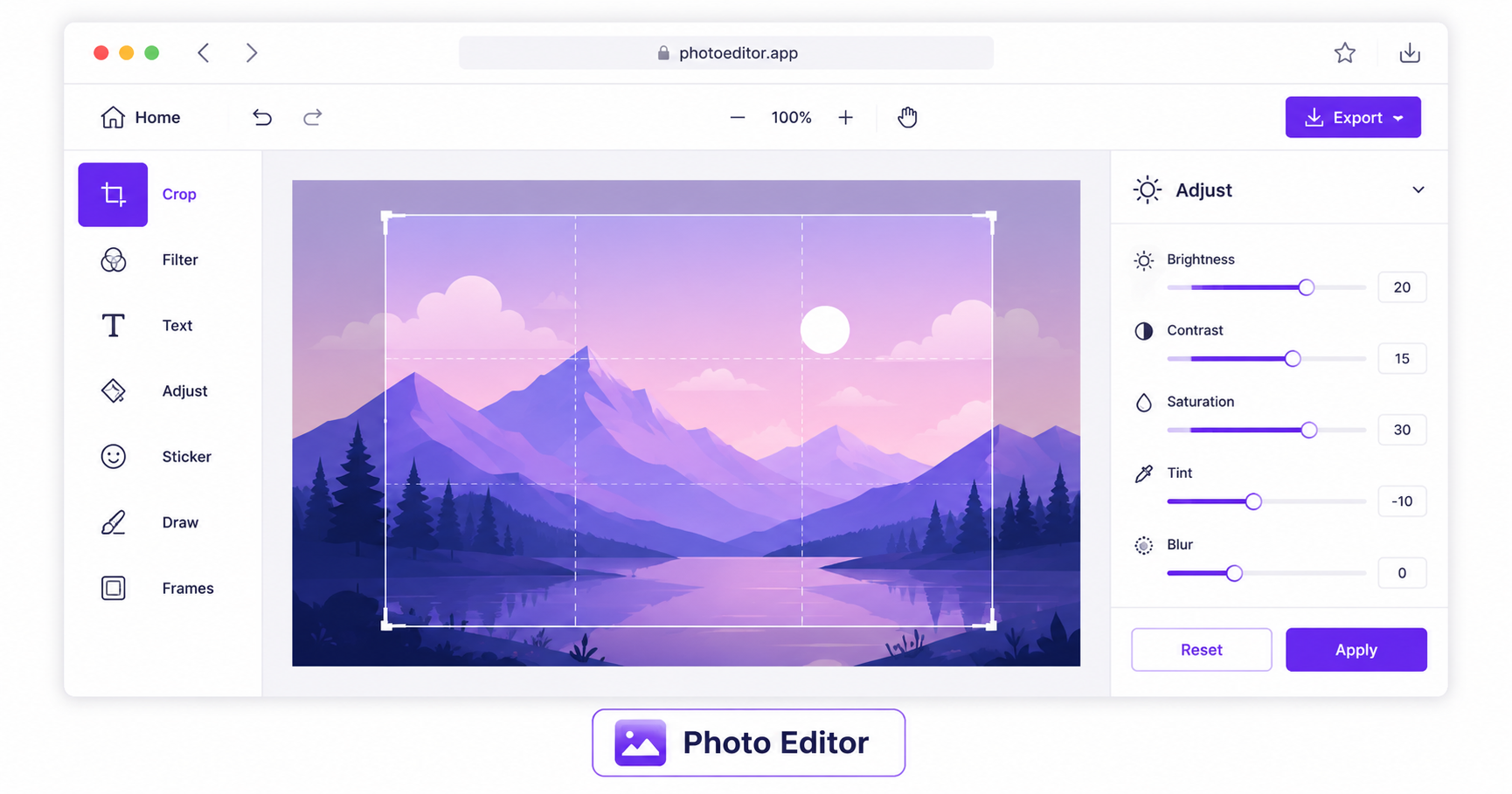
Not every photo edit needs a full design suite. Sometimes you just need to crop a shot, brighten it up, add some text, or draw a quick annotation, and installing Photoshop or Lightroom for that is overkill. A browser-based photo editor gets the job done in a fraction of the time.
What a Free Online Photo Editor Can Do
A well-built browser editor covers most of the everyday editing tasks people actually need:
- Cropping and straightening to fix composition and framing
- Filters and color adjustments for brightness, contrast, saturation, and mood
- Text overlays for captions, quotes, or branding
- Drawing and annotation tools for highlighting, arrows, or freehand marks
- Layer-style adjustments for combining elements without needing a full design program
Why Use a Browser Editor Instead of Photoshop?
Photoshop is powerful, but it’s also expensive, has a real learning curve, and requires installation. For quick, everyday edits like cropping a product photo, adjusting brightness before posting, or adding a caption to a screenshot, a free browser tool gets you a finished result in a minute or two, with no software to install and no subscription required.
How to Use the Photo Editor — Step-by-Step
Using ImageConvertNow’s photo editor:
- Go to imageconvertnow.com/photo-editor.
- Upload the photo you want to edit.
- Use the toolbar to crop, adjust filters, add text, or draw directly on the image.
- Download your finished, edited photo.
Tips for Getting the Most Out of the Editor
- Crop first, then apply filters, since color adjustments often look different once the composition changes.
- Keep text overlays simple and high-contrast against the background so they stay readable at smaller sizes.
- Use subtle filter adjustments rather than extreme ones for a more natural, professional-looking result.
- Combine editing with other tools: remove the background first if you want a clean subject to work with, then bring it into the editor for final touches.
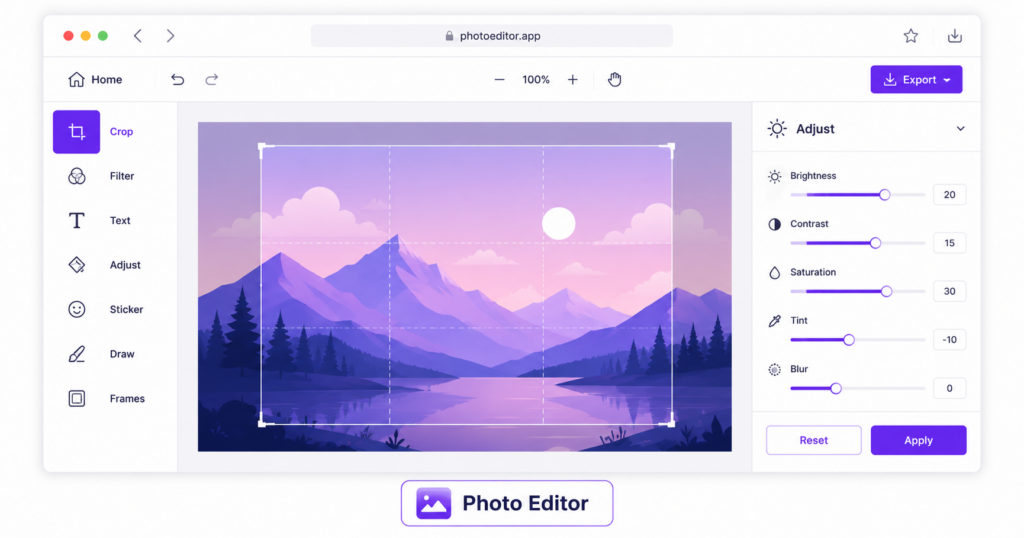
Common Use Cases
- Social media graphics: Quickly crop and adjust photos before posting, without switching between multiple apps.
- Product photography touch-ups: Brighten, crop, and clean up product shots for online listings.
- Marketing materials: Add text captions or callouts directly onto an image for ads or promotional graphics.
- Quick annotations: Draw arrows or highlights on a screenshot to explain a step or point something out clearly.
- Personal photo touch-ups: Adjust brightness, contrast, or crop personal photos before sharing with friends and family.
Frequently Asked Questions
1. Do I need to install any software to use the online photo editor? No, the entire editor runs in your web browser, so there’s nothing to download or install on your device.
2. Can I use the photo editor on my phone? Yes, browser-based editors typically work on both desktop and mobile browsers, though the exact layout of tools may differ slightly on smaller screens.
3. Is the online photo editor really free? Yes, ImageConvertNow’s photo editor is free to use with no account or subscription required.
4. What file formats can I edit and export? Most browser editors support common formats like JPG and PNG for both uploading your original photo and exporting your finished edit.
5. Can I undo changes if I make a mistake while editing? Yes, most online editors include an undo feature or history panel so you can step back through your edits without starting over from scratch.
Conclusion
For everyday cropping, adjusting, and touching up, you don’t need expensive design software. Try the free online photo editor now and get your image looking exactly how you want it in minutes.
Pair it with the background remover for clean cutouts, the resize tool for platform-perfect dimensions, or the watermark tool to protect your finished work.