
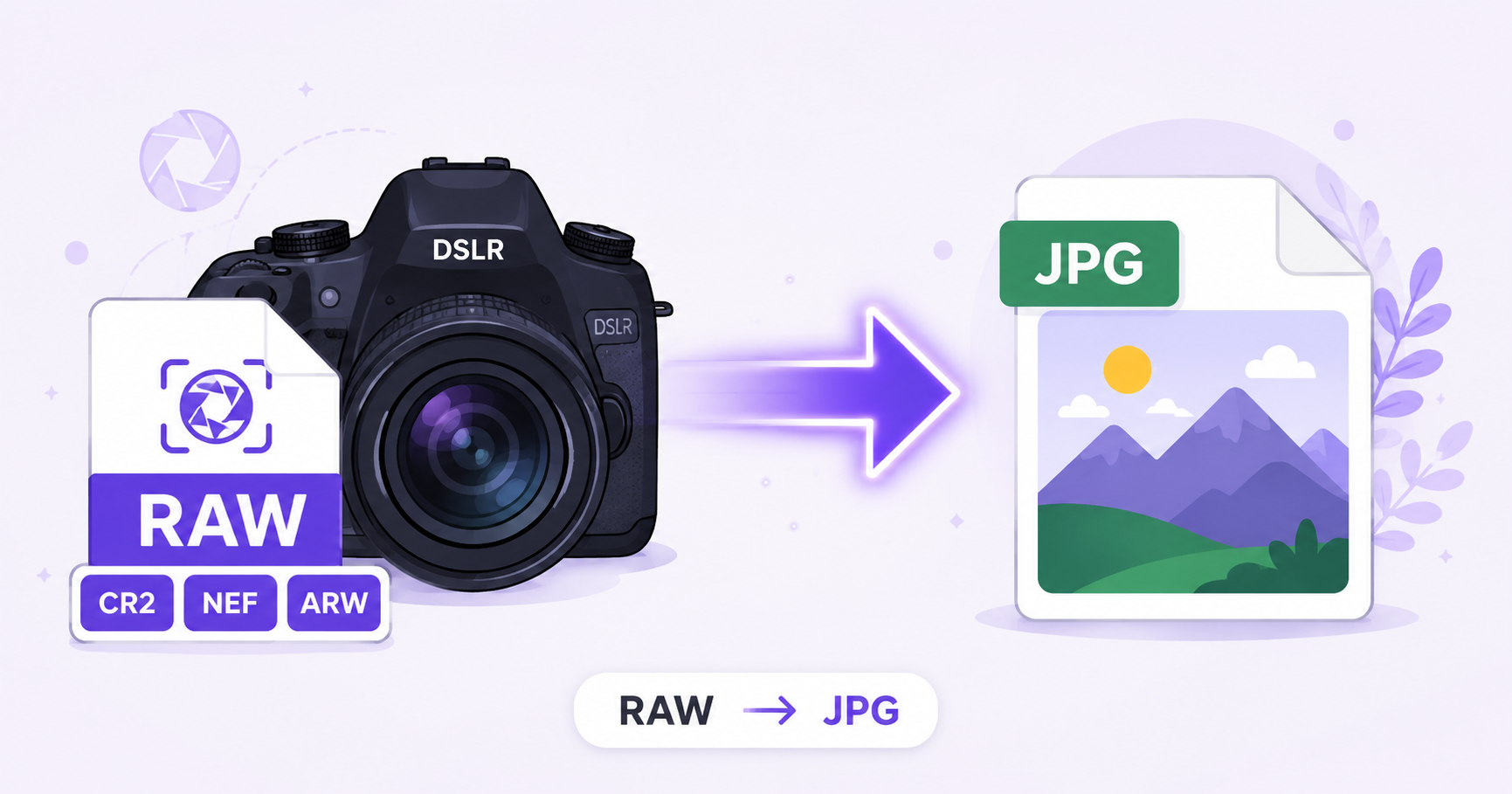
Every serious camera shoots RAW by default, and for good reason: it captures far more image data than JPG ever could. But RAW files are also a hassle to share, since almost nothing outside of specialized photo software can open them. Converting to JPG makes your shots usable everywhere, instantly.
What Are RAW Files?
RAW files are unprocessed image data captured directly from a camera’s sensor, before any compression or in-camera processing is applied. Different camera brands use their own RAW file extensions, such as CR2 and CR3 for Canon, NEF for Nikon, and ARW for Sony. Because RAW files preserve the maximum amount of detail, color depth, and dynamic range, they’re the preferred starting point for professional photo editing, as covered in Adobe’s photography file format resources.
Why You Need JPG for Sharing
RAW files are large, often 20 to 80 megabytes each, and most devices, websites, email clients, and social platforms simply cannot open or display them at all. JPG solves this instantly: it’s universally supported, dramatically smaller, and ready to view or share the moment it’s downloaded, with no specialized software required on the recipient’s end.
How to Convert RAW to JPG Online — Step-by-Step
Using ImageConvertNow’s RAW to JPG tool:
- Go to imageconvertnow.com/raw-to-jpg.
- Upload your RAW file, whether it’s a CR2, NEF, ARW, or another supported camera format.
- Click Convert and let the tool process your photo.
- Download your finished JPG file, ready to share or upload anywhere.
Tips for Best Results
- Use a high quality setting (85-95%) to preserve as much of the RAW file’s original detail as possible in the JPG conversion.
- If your photos need color correction or exposure adjustments, it’s usually better to make those edits in dedicated RAW editing software before converting, since RAW retains more adjustable detail than JPG.
- Keep your original RAW files as your master copy. Photographers typically archive RAW files permanently and only export JPGs for sharing or delivery.
- For batches of event or portrait photography, convert multiple RAW files together to save time.
Common Use Cases
- Client photo delivery: Send finished shots to clients in a format they can open on any device without special software.
- Social media sharing: Upload photography to Instagram, Facebook, or a portfolio site, none of which accept RAW files directly.
- Quick previews: Generate a viewable version of a shoot before committing to full RAW editing in Lightroom or Photoshop.
- Website portfolios: Display photography online in a widely supported format that loads properly in every browser.
Frequently Asked Questions
1. Will I lose image quality converting RAW to JPG? There is some quality tradeoff since JPG uses lossy compression and a limited color range compared to RAW’s much larger data capture, but at a high quality setting the visual difference is minimal for most viewing purposes.
2. Can I convert CR2, NEF, and ARW files with the same tool? Yes, most online RAW converters, including ImageConvertNow, support the common RAW formats from major camera brands like Canon, Nikon, and Sony.
3. Is RAW to JPG conversion free? Yes, ImageConvertNow converts RAW files to JPG for free with no account or software installation required.
4. Should I edit my RAW file before or after converting to JPG? It’s generally best to make exposure, color, and detail adjustments while the file is still in RAW format, since RAW retains far more adjustable data than a JPG does after conversion.
5. Why do professional photographers shoot in RAW instead of JPG directly? RAW captures significantly more image data straight from the camera sensor, giving photographers much greater flexibility to correct exposure, white balance, and color in post-production without degrading the image.
Conclusion
RAW files are essential for professional editing, but they’re not practical for sharing. Convert instantly with the free RAW to JPG converter and get shareable photos in seconds.
Once converted, you can compress your JPGs for faster uploads, or resize them to fit a specific platform’s requirements.