
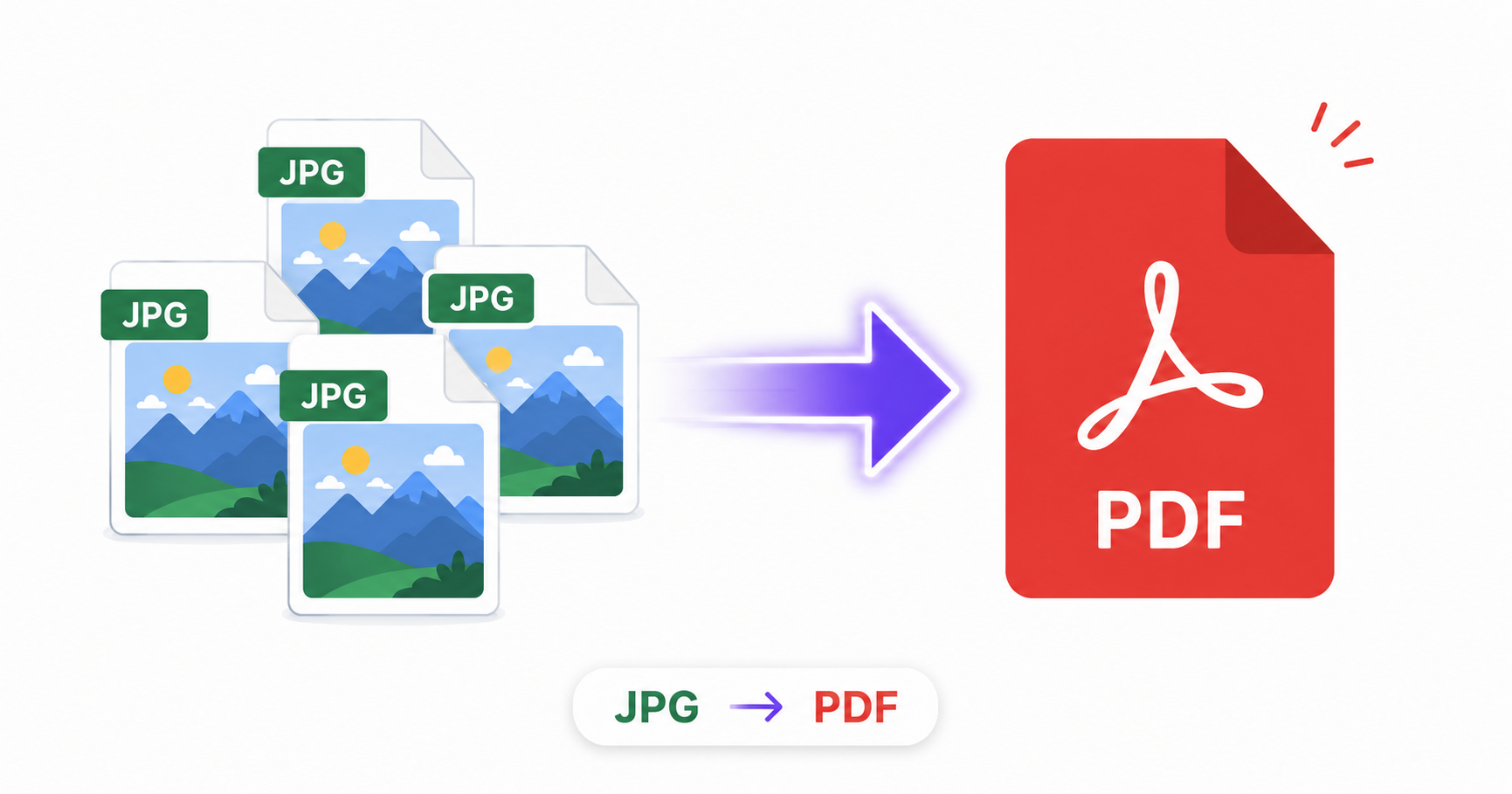
Receipts, scanned forms, portfolio samples, and photo documentation all have one thing in common: at some point, you probably need them as a single PDF instead of a folder of loose JPGs. Converting online takes just a few seconds and works whether you have one image or dozens.
Why Convert JPG to PDF?
- Professional presentation: A PDF feels more polished and document-like than a scattered set of image files.
- Multi-page bundling: Combine several photos into a single file instead of sending them separately.
- Universal compatibility: PDFs open consistently across every device and operating system with predictable formatting.
- Easier record-keeping: Receipts, IDs, and forms are easier to organize and store as PDFs than as individual images.
How to Convert JPG to PDF Online — Step-by-Step
Using ImageConvertNow’s JPG to PDF tool:
- Go to imageconvertnow.com/jpg-to-pdf.
- Upload one or more JPG images.
- Arrange the page order if you’re combining multiple images.
- Click Convert and download your finished PDF.
Batch Conversion for Multiple Images
If you’re scanning several pages of a document with your phone’s camera, or need to bundle a set of receipts or photos, most online converters let you upload multiple JPGs at once and combine them into a single multi-page PDF automatically. This saves significant time compared to converting and merging files one at a time.
Tips for Best Results
- Arrange your images in the correct order before converting, since most tools preserve the upload order as the page order in the final PDF.
- Compress your JPGs beforehand with an image compressor if the resulting PDF file size matters, such as for email attachments with size limits.
- For scanned documents, make sure photos are well-lit and cropped tightly to reduce unnecessary background in the final PDF pages.
Common Use Cases
- Receipts and expense reports: Bundle multiple receipt photos into a single PDF for easy submission.
- Portfolios and design samples: Present a series of images as one cohesive, professional document.
- Scanned forms and IDs: Turn photographed documents into a standard PDF for applications or official submissions.
- School and work assignments: Combine handwritten or photographed pages into a single file for submission.
Frequently Asked Questions
1. Can I combine multiple JPG images into one PDF? Yes, most online converters, including ImageConvertNow, let you upload several images at once and combine them into a single multi-page PDF document.
2. Will the image quality stay the same in the PDF? Yes, the conversion process embeds your JPG images into the PDF without additional lossy compression, so the visual quality is preserved.
3. Is JPG to PDF conversion free? Yes, ImageConvertNow converts JPG to PDF for free with no account required.
4. Can I reorder my images before converting? Most tools allow you to arrange the upload order of your images, which determines the page order in the finished PDF.
5. What’s the difference between combining images in a PDF versus a document editor? A dedicated image-to-PDF converter is faster and simpler for pure image bundling, while a document editor is better suited if you need to add typed text, formatting, or mix images with other document elements.
Conclusion
Whether you’re bundling receipts, building a portfolio, or organizing scanned pages, converting JPG to PDF takes just seconds with the free JPG to PDF converter.
Need to go the other way and extract images from an existing PDF? Use the PDF to JPG tool, or compress your imagesbefore combining them for a smaller final file.