
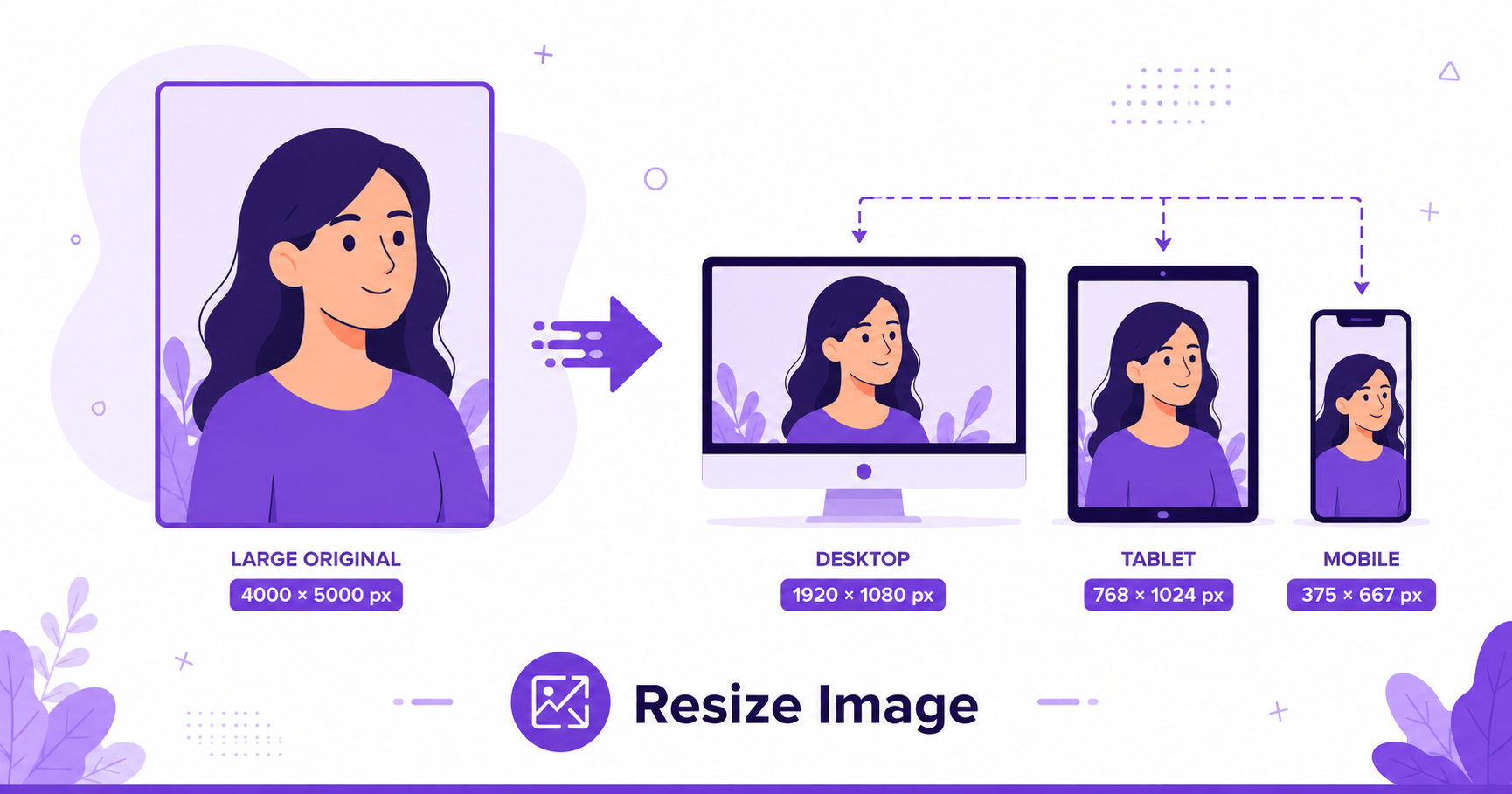
Every platform has its own ideal image size, and uploading the wrong dimensions can mean awkward cropping, stretched photos, or slow load times. Resizing your image beforehand fixes all of that, and you can do it online for free in seconds.
When Should You Resize an Image?
- Social media uploads: Each platform has recommended dimensions for posts, covers, and profile pictures.
- Email attachments: Smaller dimensions mean faster sending and fewer size-limit issues.
- Website images: Matching your image size to its display size avoids wasted bandwidth and slow page loads.
- Print materials: Getting exact dimensions right avoids stretching or awkward cropping.
Pixels vs Percentage Resizing
Resizing by pixels lets you set an exact width and height, which is best when a platform specifies precise dimension requirements. Resizing by percentage scales the image proportionally, which is useful when you just want to shrink or enlarge an image while keeping its original aspect ratio intact.
How to Resize an Image Online — Step-by-Step
Using ImageConvertNow’s resize tool:
- Go to imageconvertnow.com/resize-image.
- Upload your image.
- Enter your desired pixel dimensions or percentage scale.
- Click Resize and download your finished image.
Ideal Dimensions for Popular Platforms
| Platform | Recommended Size |
|---|---|
| Instagram Post (Square) | 1080 x 1080 px |
| Instagram Story | 1080 x 1920 px |
| Facebook Cover Photo | 820 x 312 px |
| Twitter/X Post Image | 1200 x 675 px |
| LinkedIn Post Image | 1200 x 627 px |
| WhatsApp Profile Photo | 500 x 500 px |
Frequently Asked Questions
1. Will resizing an image reduce its quality? Shrinking an image (making it smaller) generally keeps quality intact. Enlarging an image beyond its original size can introduce blurriness since new pixel data has to be generated.
2. What’s the difference between resizing and cropping? Resizing changes the overall dimensions of the whole image, while cropping cuts away parts of the image to change its composition.
3. Is resizing images online free? Yes, ImageConvertNow offers free image resizing with no account required.
4. Should I resize before or after compressing an image? Resizing first is usually best, since a smaller image naturally compresses to a smaller file size afterward.
5. Can I resize multiple images to the same dimensions at once? Many online tools support batch resizing, letting you apply the same dimensions to several images in one session.
Conclusion
Getting your image dimensions right the first time saves you from awkward cropping and wasted bandwidth. Try the free image resizer now and get the perfect size for any platform.
Once resized, you can also crop your image for a specific aspect ratio or compress it further for faster loading.