
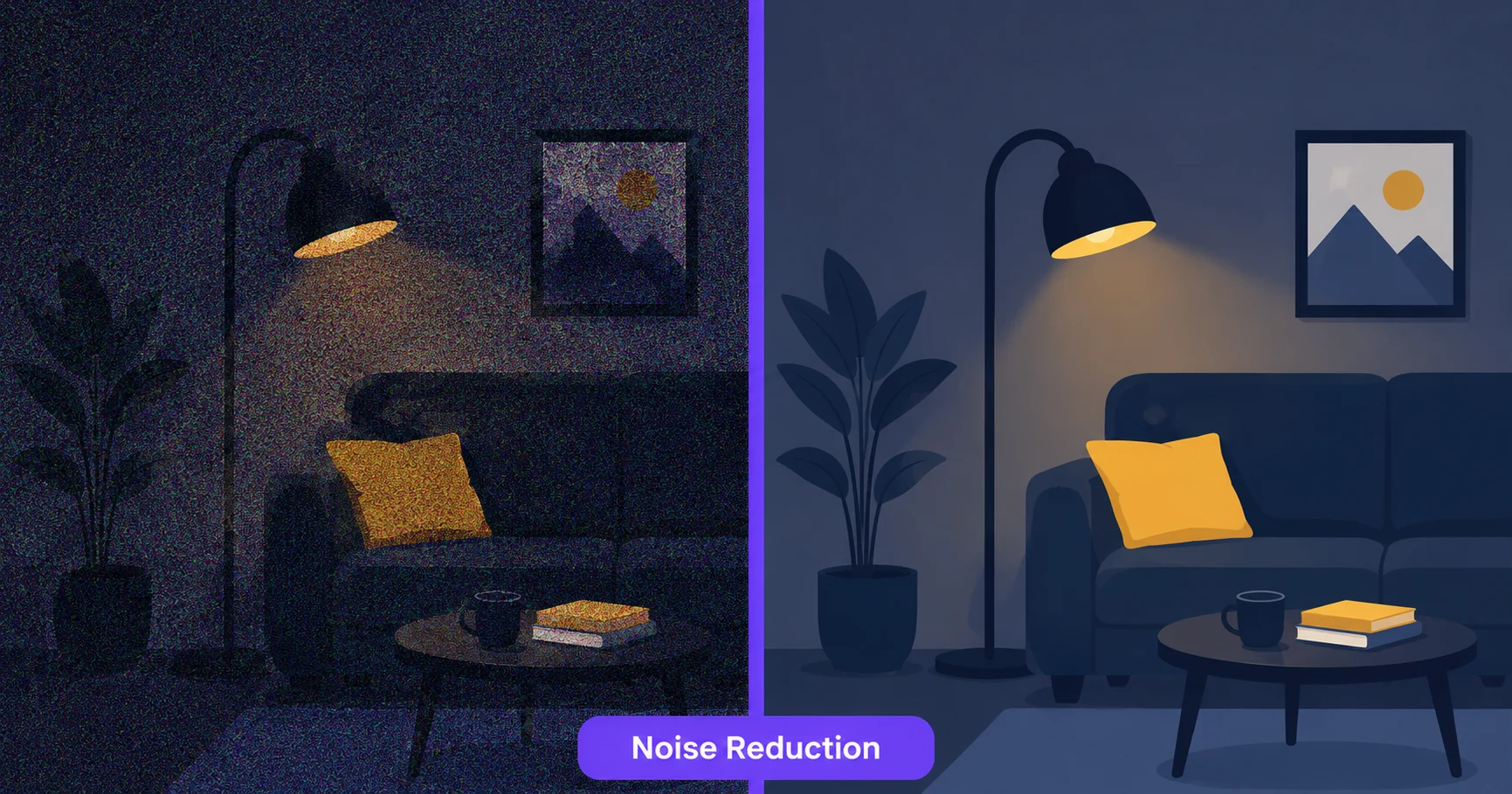
Grainy, speckled photos are usually a side effect of shooting in low light, where a camera boosts its sensor sensitivity and picks up visual noise along with the image. Cleaning that up used to require careful manual editing, but AI-powered noise reduction handles it automatically in seconds.
What Is Image Noise?
Noise appears as random speckling or graininess across a photo, most commonly in shadows and low-light areas where a camera has amplified its sensor signal to compensate for limited light. It’s different from blur, which softens detail, since noise actually adds unwanted visual texture on top of the image.
How to Reduce Noise in a Photo — Step-by-Step
Using ImageConvertNow’s noise reduction tool:
- Go to imageconvertnow.com/noise-reduction.
- Upload your grainy or noisy photo.
- Let the AI analyze and smooth out the noise automatically.
- Download your cleaned-up image.
Noise Reduction vs Sharpening
Noise reduction and sharpening solve different problems and can sometimes work against each other if used carelessly. Noise reduction smooths out unwanted speckling, which can slightly soften fine detail in the process. Sharpening does the opposite, enhancing edges and detail, which can sometimes make noise more visible if applied too aggressively. Many photos benefit from a light touch of noise reduction first, followed by the AI enhancement tool to balance overall clarity, or the upscale tool if you also need more resolution.
Common Use Cases
- Low-light photography: Clean up shots taken indoors or at night where noise is most common.
- Old digital photos: Older cameras and phone sensors tend to produce noisier images than modern equipment.
- Scanned prints: Reduce grain picked up from the original print or the scanning process itself.
- Social media touch-ups: Clean up a photo before posting for a more polished, professional look.
Frequently Asked Questions
1. Will noise reduction make my photo blurry?
Aggressive noise reduction can soften fine detail slightly, but a well-tuned AI tool balances smoothing out noise while preserving as much sharpness as possible.
2. Can noise reduction fix a very dark, underexposed photo?
It helps smooth out the noise that often comes with underexposed shots, though for correcting overall brightness and exposure, pairing it with an AI enhancement tool gives better overall results.
3. Is reducing noise in a photo free?
Yes, ImageConvertNow’s noise reduction tool is free to use with no account required.
4. Does noise reduction work on all image formats?
Most common formats like JPG and PNG work well, and if you’re working with a compressed WebP file converted to JPG, noise reduction can help clean up any additional compression artifacts too.
5. Should I reduce noise before or after resizing an image?
Reducing noise on the original, full-resolution image first generally gives the AI more detail to work with before any resizing changes the pixel data.
Conclusion
A grainy photo doesn’t have to stay that way. Clean it up in seconds with the free noise reduction tool.
Explore more of the toolkit: compress your finished image for faster sharing, remove a distracting background entirely, convert a WebP file to JPG for wider compatibility, or turn an animated GIF into a clean still PNG. For more on image quality, see web.dev’s image optimization guide and MDN’s image formats reference.