
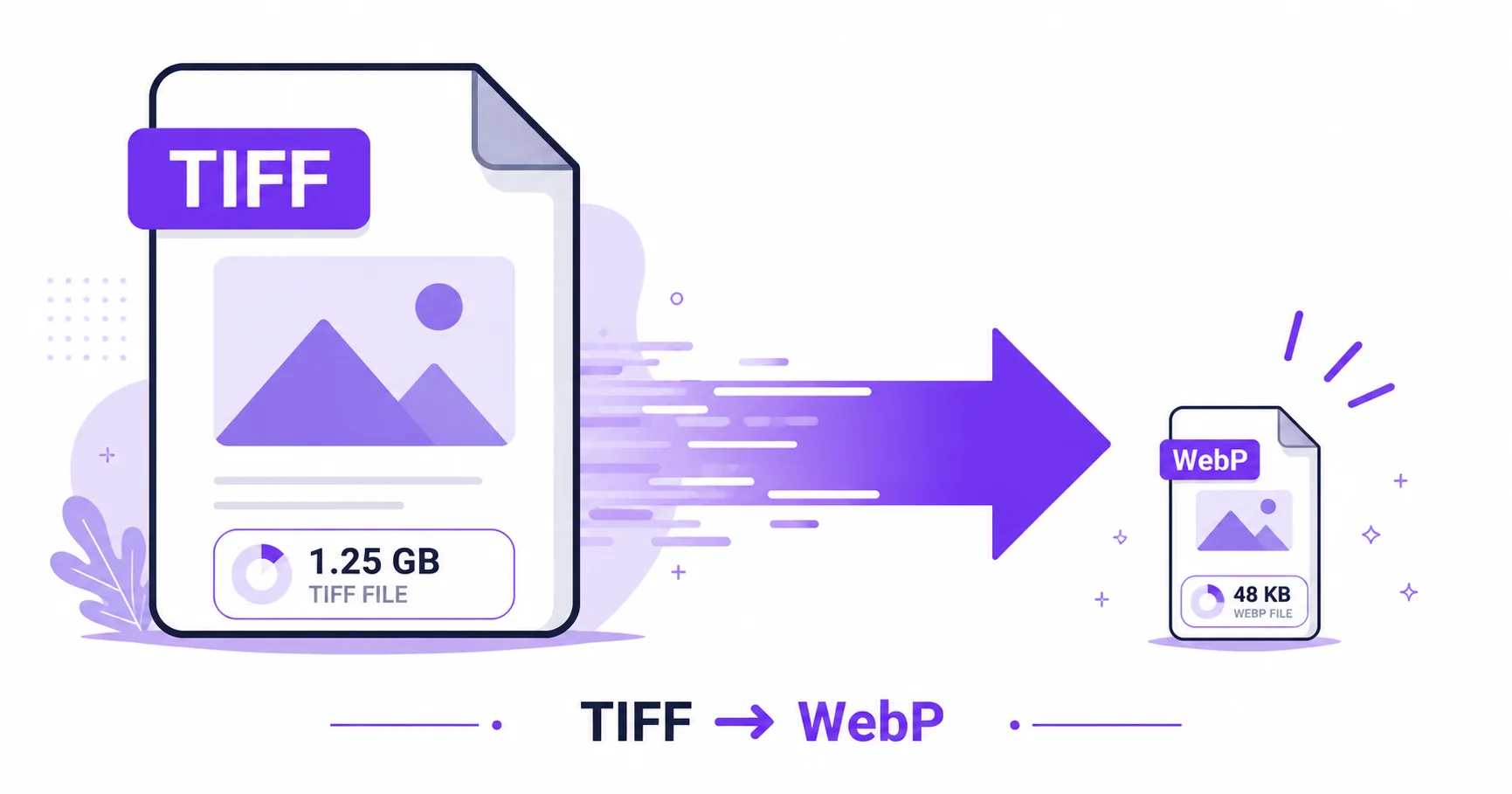
Of all the image conversions that save dramatic file size, TIFF to WebP might be the biggest jump of all. TIFF’s near-zero compression combined with WebP’s highly efficient encoding means the size difference between the two formats is often massive, and the conversion takes just seconds.
Just How Big Is the Size Gap?
TIFF stores image data with little to no compression, which is exactly why it’s the standard for professional photography, scanning, and archival work, as referenced in the ISO’s imaging standards. WebP, on the other hand, was engineered specifically to minimize file size while preserving visual quality. Put the two together, and a converted WebP file can end up dramatically smaller than the original TIFF, often by a much wider margin than converting to JPG alone.
Why This Matters for Publishing
If you’re taking professional photography, scanned artwork, or archival images and putting them on a website, the size difference isn’t just a nice bonus, it directly affects page load speed and Core Web Vitals performance. Publishing TIFF-quality visuals as WebP means visitors get fast-loading pages without you having to sacrifice the underlying image quality that made TIFF worth using in the first place.
How to Convert TIFF to WebP — Step-by-Step
Using ImageConvertNow’s TIFF to WebP tool:
- Go to imageconvertnow.com/tiff-to-webp.
- Upload your TIFF file, or a batch of scanned pages.
- Click Convert and let the tool process the image.
- Download your new WebP file, ready for web use.
Quality Tips
- Use a high quality setting for photography portfolios or artwork where fine detail needs to remain visible.
- Always keep your original TIFF file archived separately, since it remains your highest-quality master copy.
- If your target platform doesn’t fully support WebP, the TIFF to JPG tool offers a more universally compatible alternative.
Common Use Cases
- Photography portfolios: Publish TIFF-quality photos on the web without the massive file size.
- Digitized artwork and archives: Share scanned art or documents online in a fast-loading format.
- E-commerce product photography: Use professional-grade product photos without slowing down store pages.
- Design portfolios: Showcase high-resolution work while keeping page speed fast.
Frequently Asked Questions
1. How much smaller will my WebP file be compared to the original TIFF?
It varies by image, but the size reduction is typically substantial since TIFF uses minimal compression while WebP is built for efficiency.
2. Will converting TIFF to WebP reduce visible quality?
At a high quality setting, the visual difference is usually minimal, especially compared to the dramatic file size savings.
3. Is TIFF to WebP conversion free?
Yes, ImageConvertNow converts TIFF to WebP for free with no account required.
4. Should I keep my original TIFF file after converting?
Yes, it’s best practice to keep your original TIFF as an archival master, especially for professional photography or scanned documents.
5. Does every website support displaying WebP images?
All major modern browsers support WebP, though it’s worth confirming your specific CMS or platform handles it if you’re unsure.
Conclusion
When you need TIFF-quality visuals without the TIFF-sized file, converting to WebP is the smartest move. Try the free TIFF to WebP converter now.
Need broader compatibility instead? Try the TIFF to JPG tool, or the lossless TIFF to PNG tool. Explore more of the toolkit: compress your images, remove backgrounds, convert a WebP file to JPG, or turn a GIF into a still PNG. Learn more at Google’s WebP documentation.