
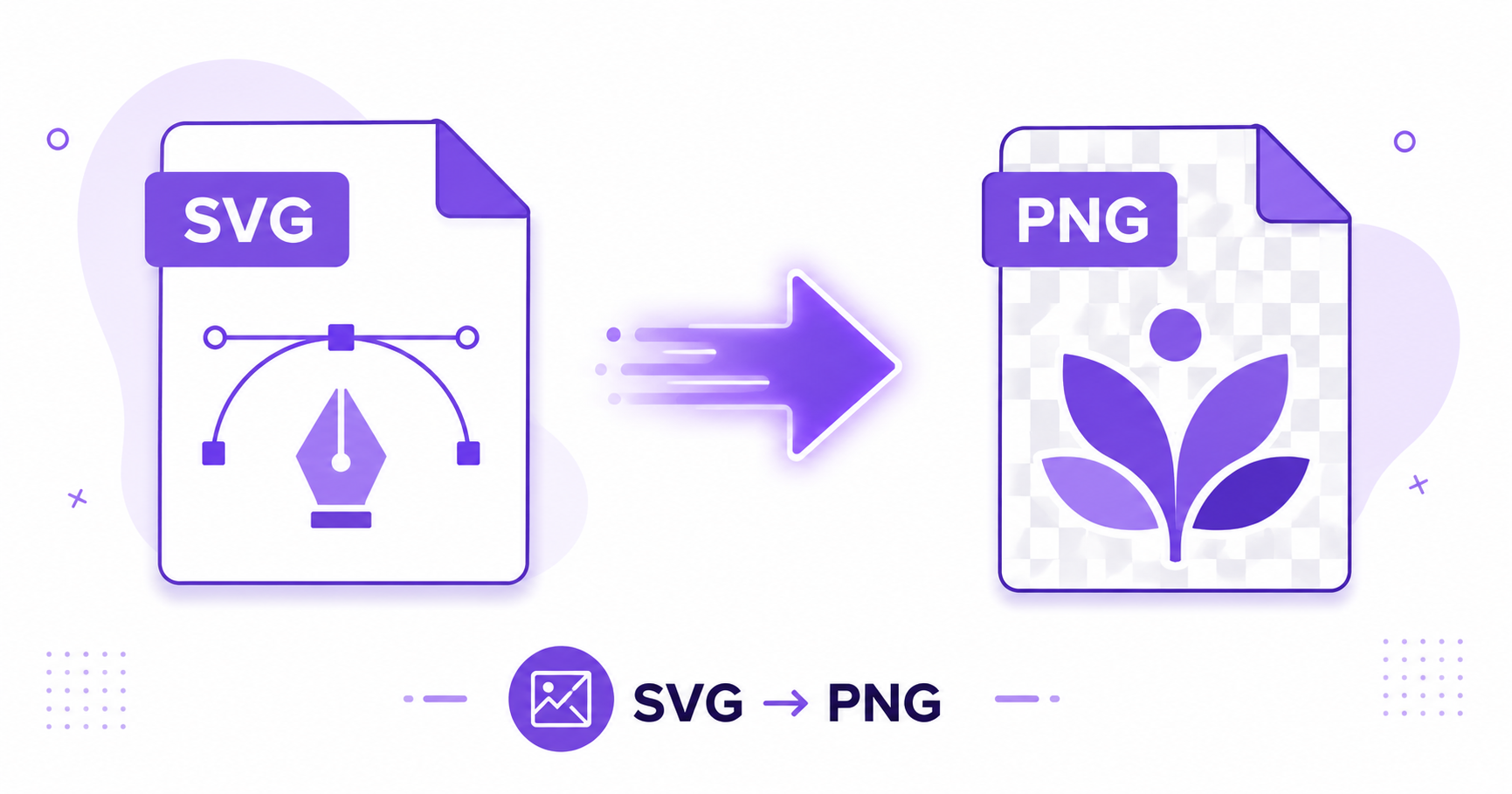
SVG files are perfect for logos and icons because they scale infinitely without losing quality. But not every app or platform accepts SVG uploads. When you hit that wall, converting to PNG is the quickest fix, and it takes just seconds online.
What Is SVG?
SVG (Scalable Vector Graphics) is an image format built from mathematical paths and shapes rather than pixels. This means SVG images can be resized to any dimension, from a tiny icon to a giant billboard, without ever becoming blurry or pixelated. It’s the standard format for logos, icons, and illustrations across the web, as detailed in the W3C SVG specification.
Why You Sometimes Need PNG Instead
Despite SVG’s advantages, some tools, email clients, and older applications don’t support it. Common situations where you need a raster format like PNG include:
- Uploading a logo to a platform that only accepts JPG or PNG
- Embedding an image in an email, since many email clients block or mishandle SVG
- Using an image in software that doesn’t recognize vector formats
- Creating a fixed-size preview or thumbnail of a vector design
How ImageConvertNow Converts SVG to PNG
The SVG to PNG tool renders your vector file at your chosen resolution, converting the mathematical paths into a pixel-based PNG image while keeping the design crisp and clean.
How to Convert SVG to PNG — Step-by-Step
- Go to imageconvertnow.com/svg-to-png.
- Upload your SVG file.
- Choose your desired output resolution.
- Click Convert and download your PNG file.
Custom Resolution Output
Since SVG has no fixed pixel size, you can choose exactly how large you want your PNG to be, whether that’s a small 64×64 icon or a large 4000px wide banner. Choosing a higher resolution than you need is generally safe, since you can always resize down later using a resize tool, but going smaller than needed can result in a blurry image if enlarged again.
Frequently Asked Questions
1. Will my PNG stay sharp after converting from SVG? Yes, as long as you choose an appropriate output resolution for how the image will be used. Higher resolutions produce sharper results, especially for larger display sizes.
2. Can I keep the transparent background from my SVG? Yes, PNG supports transparency, so any transparent areas in your SVG will carry over to the converted PNG.
3. Is SVG to PNG conversion free? Yes, ImageConvertNow converts SVG to PNG for free with no account required.
4. Why doesn’t my email client display my SVG logo? Many email clients block SVG for security reasons, which is exactly why converting your logo to PNG first ensures it displays correctly everywhere.
5. Can I convert a PNG back into an SVG later? Not perfectly. Since PNG is pixel-based and SVG is vector-based, converting PNG to SVG generally requires tracing the image and doesn’t reproduce the original vector paths exactly.
Conclusion
When SVG isn’t accepted somewhere, converting to PNG is a quick, reliable fix. Try the free SVG to PNG converter now and get a crisp raster version of your vector graphic in seconds.
Need to go the other direction? Try the PNG to SVG tool, or resize your finished PNG to fit your exact needs.