
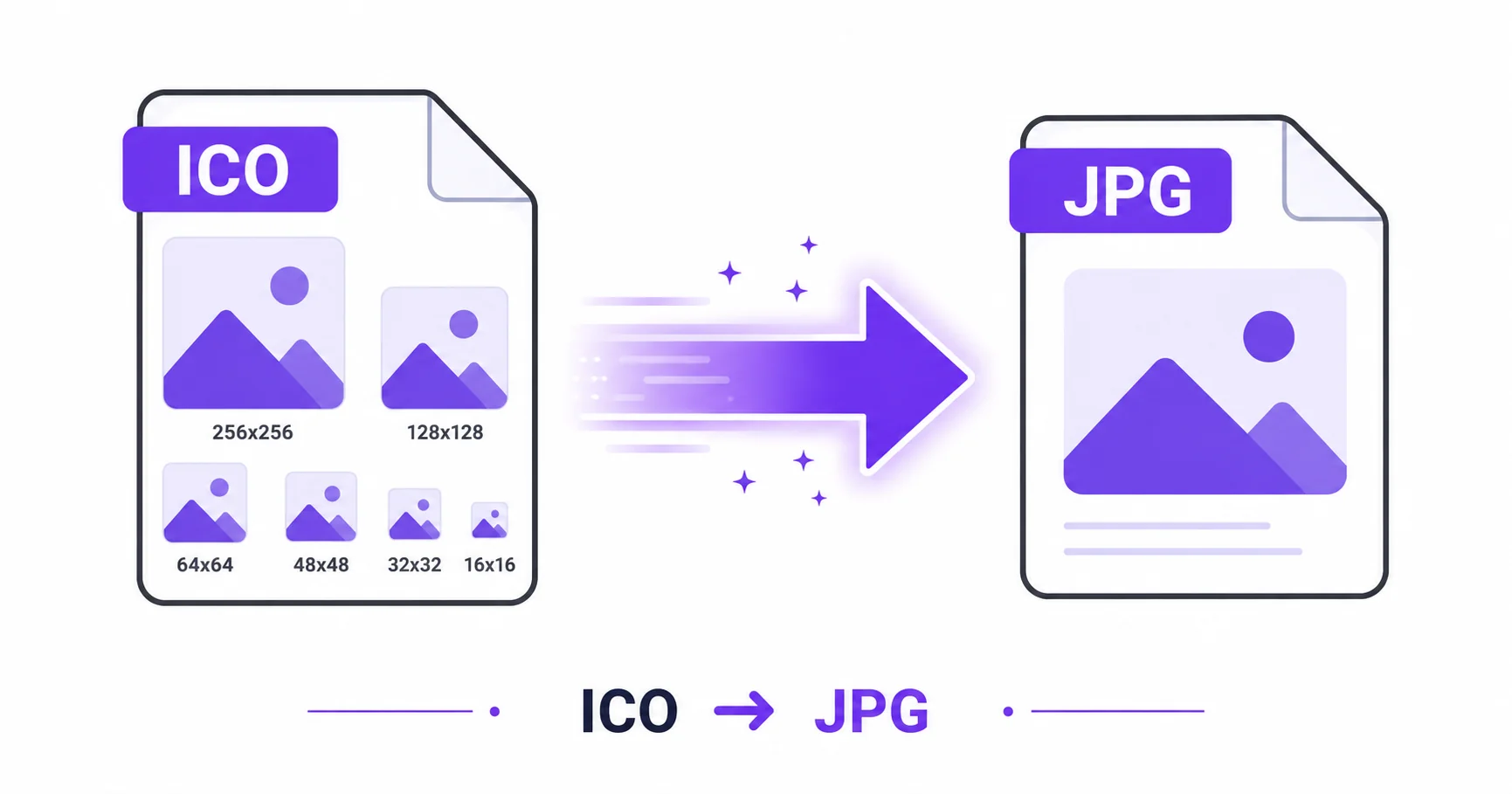
Try opening an ICO file in a typical photo viewer or editor, and there’s a good chance it either won’t open at all or will only show one strange, tiny version of the icon. Converting to JPG turns that ICO file into something any photo tool can work with immediately.
Why ICO Files Are Tricky to Work With
ICO is the standard format for Windows application icons and website favicons, and unlike most image formats, a single ICO file can contain several versions of the same icon at different sizes bundled together, as covered in MDN’s guide to image formats. This multi-size structure is exactly why so many everyday image tools struggle to open or display ICO files properly.
How the Multi-Size Structure Affects Conversion
When converting ICO to JPG, the tool needs to pick which embedded size to extract, since a single ICO might contain a 16×16, 32×32, and 256×256 version all in one file. Choosing the largest available size when converting gives you the most detail to work with in the resulting JPG.
How to Convert ICO to JPG — Step-by-Step
Using ImageConvertNow’s ICO to JPG tool:
- Go to imageconvertnow.com/ico-to-jpg.
- Upload your ICO file.
- Click Convert to extract the image as a JPG.
- Download your finished JPG file.
Tips for Best Results
- If your icon has a transparent background, keep in mind JPG can’t preserve that. Use the ICO to PNG tool instead if transparency matters.
- Check whether your converter lets you choose which embedded size to extract, since larger sizes give more detail to work with.
- Once converted, you can resize or edit the JPG in most standard photo tools without any compatibility issues.
Common Use Cases
- Redesigning branding: Extract an existing favicon or app icon as a reference for a new design.
- Design portfolios: Showcase an icon design in a universally viewable format.
- Documentation: Insert an icon image into a tutorial, guide, or presentation.
- Legacy asset recovery: Recover a usable image from an old ICO file when original source files are lost.
Frequently Asked Questions
1. Which size gets extracted if my ICO contains multiple versions?
Most converters extract the largest available size by default, since that provides the most detail, though this can vary by tool.
2. Will converting ICO to JPG keep the icon’s transparency?
No, JPG doesn’t support transparency, so any transparent areas will be filled with a solid background color. Use PNG instead if you need to preserve transparency.
3. Is ICO to JPG conversion free?
Yes, ImageConvertNow converts ICO to JPG for free with no account required.
4. Why won’t my ICO file open in my regular photo viewer?
Many everyday photo viewers aren’t built to handle ICO’s multi-size embedded structure, which is why dedicated converters exist to extract a usable image from it.
5. Can I convert a JPG back into a favicon later?
Yes, using the PNG to ICO tool, you can turn an image into a proper favicon file after converting it from JPG to PNG first.
Conclusion
Getting a usable image out of a stubborn ICO file takes seconds with the free ICO to JPG converter.
Need transparency preserved instead? Use the ICO to PNG tool, or create a new favicon with the PNG to ICO tool. Explore more of the toolkit: compress your images, remove backgrounds, convert a WebP file to JPG, or turn a GIF into a still PNG. Learn more at W3Schools’ HTML images guide and Adobe’s file type guide.