
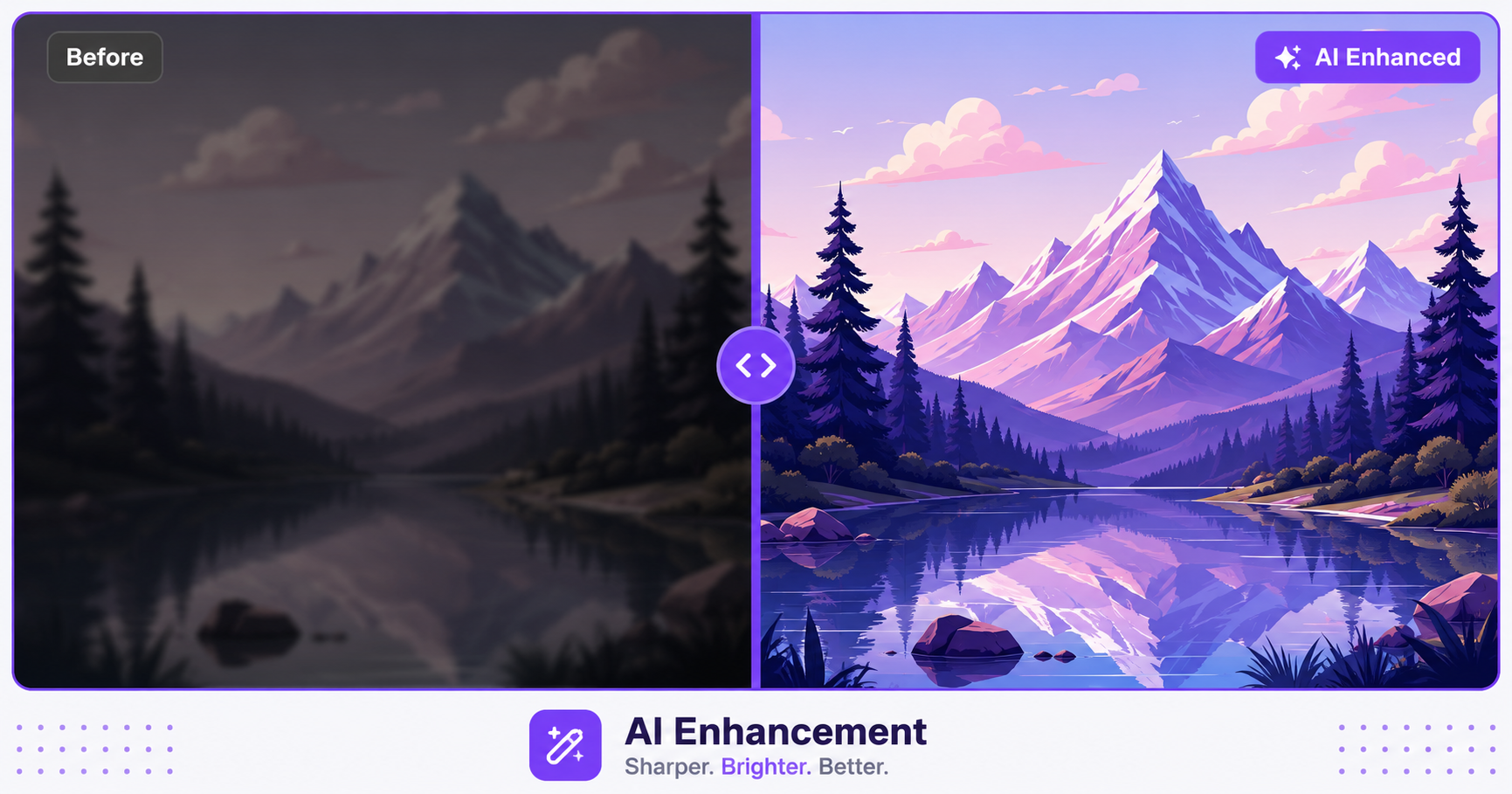
Not every photo comes out perfect. Maybe it’s a little dark, slightly blurry, or just missing that crisp, professional look. AI enhancement tools can fix a surprising amount of that automatically, without any manual editing skill required.
What Does AI Enhancement Actually Do?
AI enhancement analyzes a photo and automatically corrects common issues like poor lighting, low contrast, soft focus, and color imbalance. Instead of manually adjusting sliders for brightness, contrast, and sharpness one at a time, the AI model detects what the photo needs and applies smart, targeted corrections in a single step.
Before and After: What to Expect
Typical improvements from AI enhancement include:
- Brightening dark or underexposed photos without blowing out highlights
- Sharpening slightly soft or blurry images to bring out more visible detail
- Correcting color casts caused by poor lighting conditions
- Balancing contrast so both shadows and highlights show proper detail
Results vary depending on how degraded the original photo is, but even moderately poor photos often see a noticeable, immediate improvement.
How to Enhance an Image with AI — Step-by-Step
Using ImageConvertNow’s AI enhancement tool:
- Go to imageconvertnow.com/ai-enhancement.
- Upload the photo you want to improve.
- Let the AI analyze and automatically enhance the image.
- Download your improved photo.
Tips for Best Results
- Start with the highest resolution version of your photo available, since AI enhancement has more detail to work with on higher-quality originals.
- For extremely blurry or severely underexposed photos, results will improve the image but may not fully restore missing detail that was never captured.
- Combine AI enhancement with upscaling if you also need to increase the image’s resolution.
- Use noise reduction alongside enhancement for grainy photos taken in low light.
Common Use Cases
- Old or low-quality photos: Breathe new life into scanned family photos or older digital camera shots.
- Quick social media touch-ups: Improve a photo’s overall look before posting, without manual editing.
- E-commerce product photos: Brighten and sharpen product images for a more professional storefront appearance.
- Real estate and listing photos: Improve lighting in interior shots that were taken in less-than-ideal conditions.
Frequently Asked Questions
1. Can AI enhancement fix a severely blurry photo? AI enhancement can improve sharpness and clarity to a degree, but it cannot fully recreate detail that was never captured in the original shot, especially with extreme blur.
2. Will AI enhancement change the colors in my photo unexpectedly? Good AI enhancement tools aim to correct color casts and improve balance while keeping the photo’s natural look, though results can vary depending on the original image’s condition.
3. Is AI image enhancement free? Yes, ImageConvertNow’s AI enhancement tool is free to use with no account required.
4. Does AI enhancement work on old scanned photos? Yes, AI enhancement often works well on scanned photos, helping correct fading, poor contrast, and softness common in older prints.
5. Should I enhance my photo before or after resizing it? Enhancing first is generally recommended, since the AI has more original detail to analyze before any resizing changes the pixel data.
Conclusion
AI enhancement is one of the fastest ways to improve a mediocre photo without any manual editing. Try the free AI enhancement tool now and see the difference for yourself.
For photos that also need more resolution, follow up with the upscale tool, or clean up grain with noise reduction.