
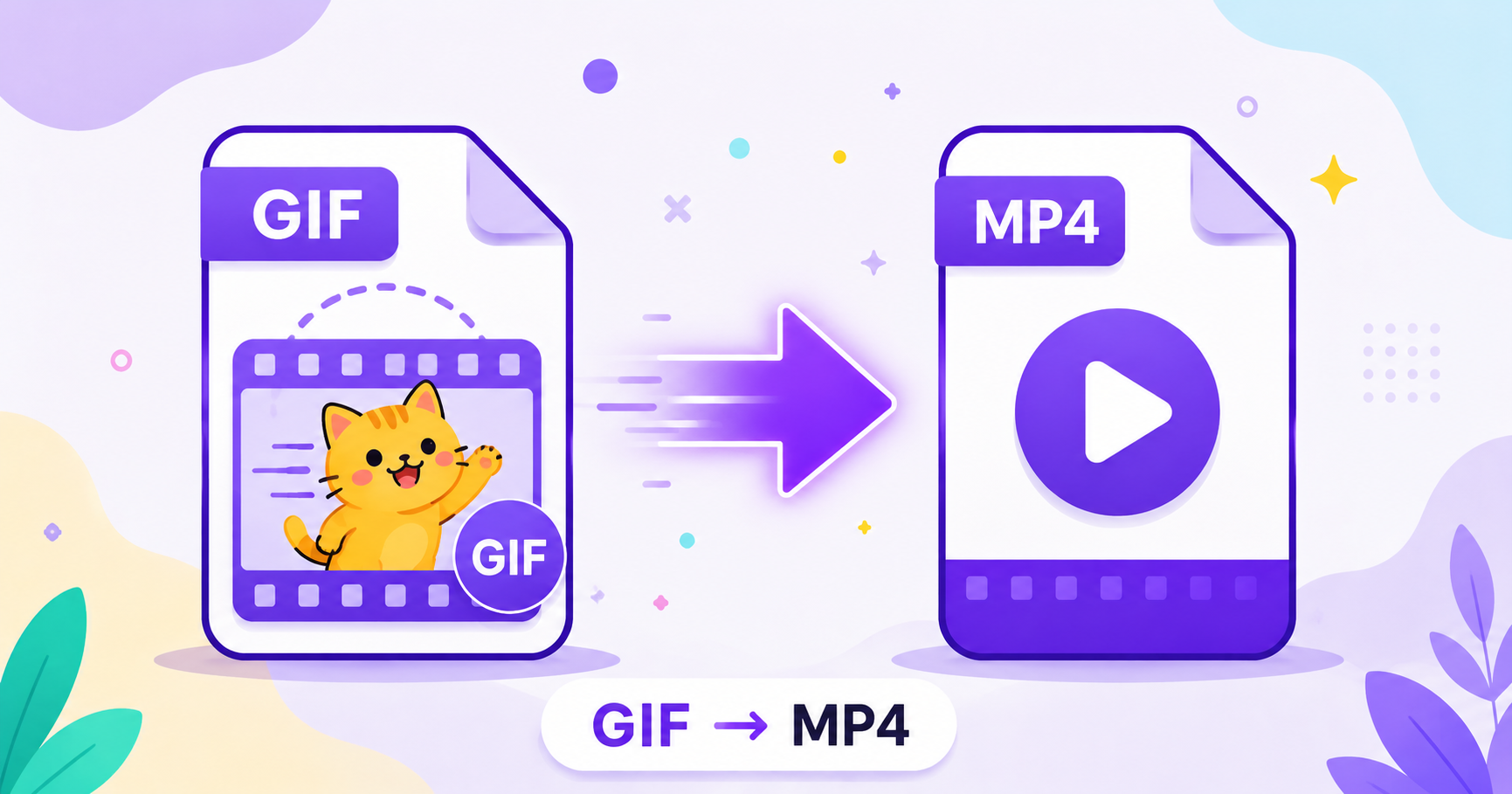
GIFs are everywhere online, but they come with a hidden cost: massive file sizes and choppy playback compared to real video. Converting a GIF to MP4 keeps the same looping animation while dramatically shrinking the file and smoothing out playback.
Why Is MP4 Better Than GIF for Video?
GIF was never designed for video. It uses a limited color palette and basic compression, which leads to large files and visible banding or graininess, especially for anything with smooth gradients or lots of motion. MP4, on the other hand, uses modern video compression built specifically to handle motion efficiently while keeping quality high and file size low.
File Size Savings: Up to 98% Smaller
The difference in size between GIF and MP4 versions of the same clip can be dramatic. Because MP4 uses proper video compression instead of GIF’s frame-by-frame image approach, converted files are routinely 90-98% smaller than the original GIF, all while looking smoother and sharper.
How to Convert GIF to MP4 Online — Step-by-Step
Using ImageConvertNow’s GIF to MP4 tool:
- Go to imageconvertnow.com/gif-to-mp4.
- Upload your GIF file.
- Click Convert and let the tool process your animation.
- Download your finished MP4 video file.
Tips for Best Results
- If you plan to loop the video on a website, set your video player to autoplay and loop for the same effect as a GIF.
- MP4 files load faster on mobile connections than large GIFs, which is especially useful for image-heavy pages.
- Compress your GIF further before converting if it’s extremely long, to keep the resulting MP4 manageable.
Common Use Cases
- Websites and landing pages: Replace heavy GIF animations with lightweight, smooth-looping MP4 videos.
- Social media: Many platforms handle MP4 uploads more efficiently than GIFs, with better quality retention.
- Presentations: Embed smooth video clips instead of choppy, oversized GIFs.
- Messaging and sharing: Send smaller files that load faster for the recipient.
Frequently Asked Questions
1. Will my GIF still loop after converting to MP4? Yes, most video players and websites can be set to loop MP4 playback automatically, replicating the GIF’s endless loop.
2. Does converting to MP4 improve video quality? Yes, MP4’s compression method generally produces smoother motion and better color accuracy compared to GIF’s limited color palette.
3. Is GIF to MP4 conversion free? Yes, ImageConvertNow converts GIF to MP4 for free with no account required.
4. Can I convert an MP4 back into a GIF later? Yes, using the MP4 to GIF tool, you can convert video clips back into animated GIFs whenever needed.
5. Will the MP4 file play on all devices? MP4 is one of the most widely supported video formats, so it plays correctly across nearly all modern phones, computers, and browsers.
Conclusion
If a GIF on your site or in your files feels too heavy or choppy, converting it to MP4 is the fix. Try the free GIF to MP4 converter now and enjoy smaller files with smoother playback.
Need to go the other way? Use the MP4 to GIF tool, or compress your images for even faster loading elsewhere on your site.