
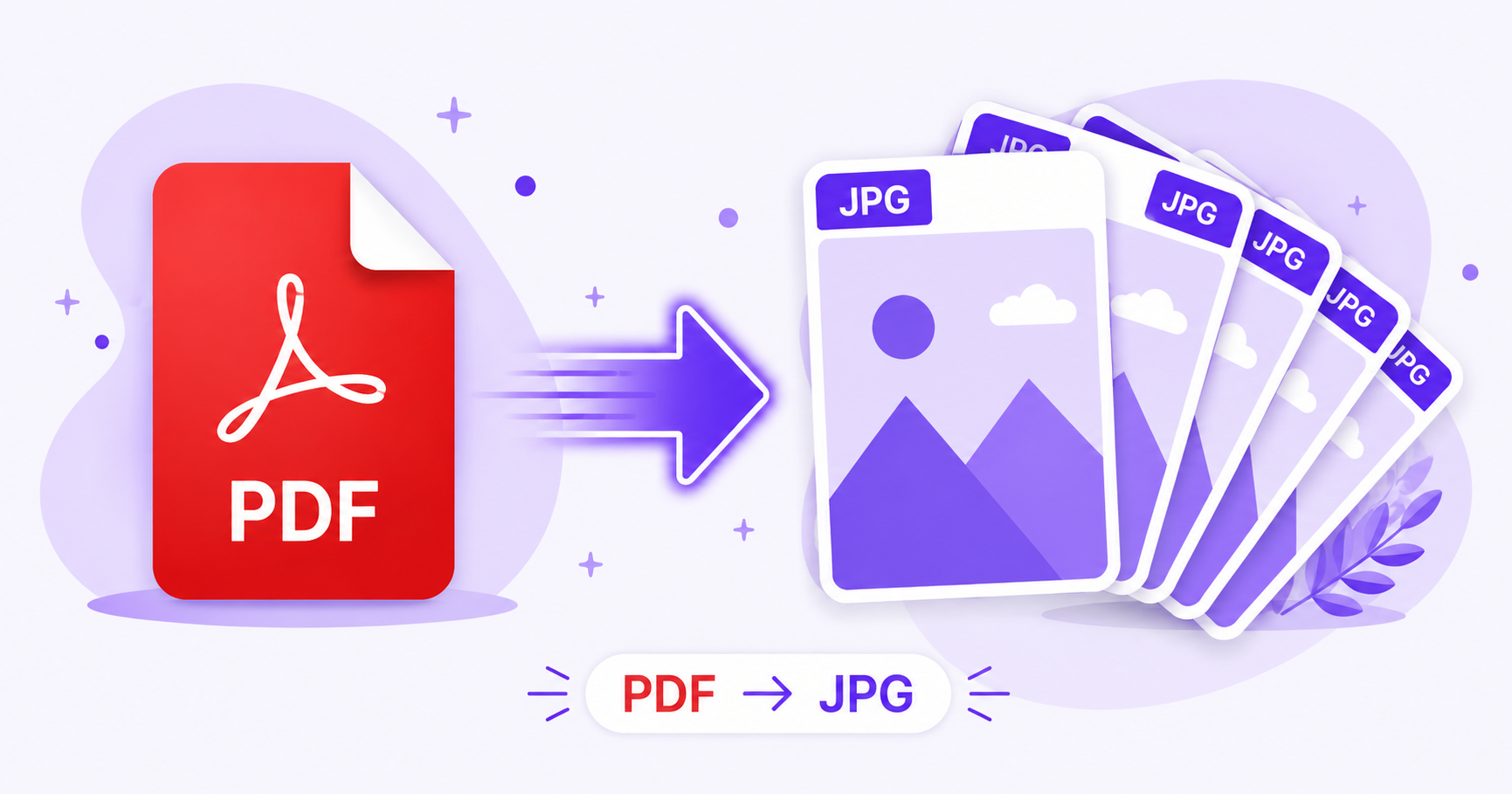
Sometimes you don’t need a whole PDF, just one page as an image you can drop into a presentation, share on social media, or use as a thumbnail. Converting PDF pages to JPG solves this instantly, and you don’t need Adobe Acrobat or any paid software to do it.
Why Convert PDF Pages to Images?
PDFs are great for documents, but they are not always convenient for visual sharing. Converting to JPG lets you:
- Use a document page as a thumbnail or preview image
- Share a single page on social media or messaging apps
- Insert a page directly into a presentation or design tool
- Create quick visual references without opening a PDF reader
How ImageConvertNow Converts PDF to JPG
The PDF to JPG tool renders each page of your PDF as a separate high-quality JPG image, preserving the layout, text, and graphics exactly as they appear in the original document.
How to Convert PDF to JPG Online — Step-by-Step
- Go to imageconvertnow.com/pdf-to-jpg.
- Upload your PDF file.
- Click Convert. Each page is processed into its own JPG image.
- Download the JPG images individually or as a batch.
Quality Tips
- For text-heavy documents, choose a higher output resolution to keep text crisp and readable.
- If you only need one page, most tools let you select and download just that page instead of the whole document.
- Compress the resulting JPGs afterward if you plan to email or upload them, since PDF-rendered images can sometimes be larger than typical photos.
Common Use Cases
- Presentations: Drop a PDF slide or page directly into PowerPoint or Google Slides.
- Social sharing: Post a single infographic or document page without asking people to download a PDF.
- Thumbnails: Generate a preview image for a document listed on a website.
- Quick edits: Open a page as an image in a photo editor for annotations or highlights.
Frequently Asked Questions
1. Does converting PDF to JPG work for multi-page documents? Yes, each page is converted into its own separate JPG image, so multi-page PDFs produce one image per page.
2. Will the text stay sharp in the converted JPG? Yes, as long as you choose a high enough resolution setting during conversion. Low resolution settings can make small text blurry.
3. Is PDF to JPG conversion free? Yes, ImageConvertNow converts PDF pages to JPG for free with no account required.
4. Can I convert just one page instead of the whole PDF? Many tools let you select specific pages to convert rather than processing the entire document.
5. What happens to images embedded in the PDF? They are preserved as part of the rendered page, appearing in the JPG exactly as they look in the original PDF layout.
Conclusion
Turning a PDF page into a shareable image takes seconds with the free PDF to JPG converter. Try it now, and if you need to go the other way, use the JPG to PDF tool to bundle images back into a document.
You can also compress your converted images afterward to keep file sizes small.