
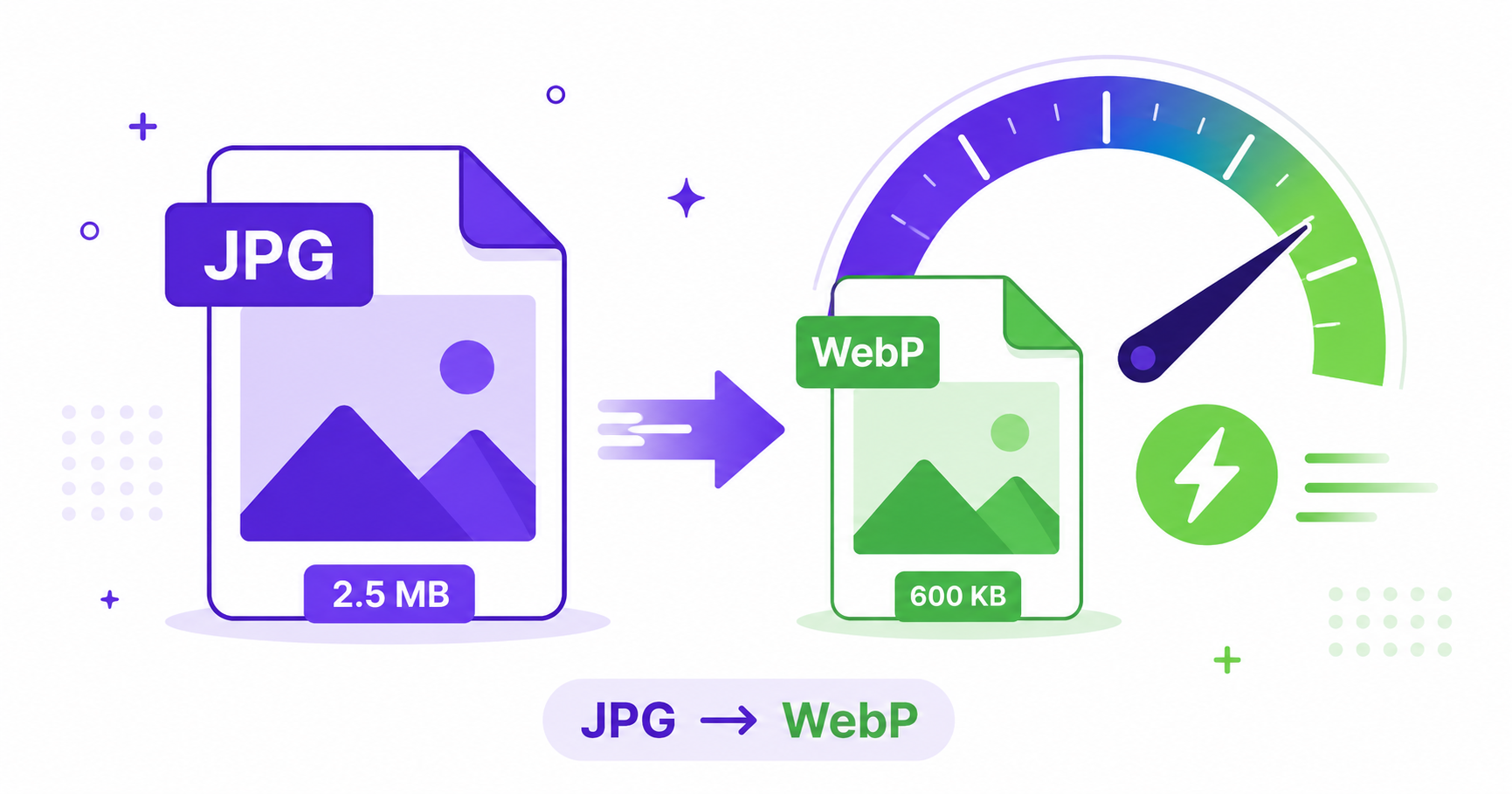
Page speed matters more than ever, both for keeping visitors on your site and for ranking well in Google. One of the easiest wins is switching your images from JPG to WebP, a format built specifically for the modern web. Here is why it matters and how to convert your files in seconds.
What Is WebP?
WebP is an image format developed by Google that uses advanced compression to produce smaller files than JPG or PNG while keeping visual quality close to the original. It supports lossy and lossless compression, along with transparency and animation, all in a single format built for fast websites.
Why Google Recommends WebP for Websites
Google actively recommends WebP because smaller image files load faster, which directly improves Core Web Vitals metrics like Largest Contentful Paint. Faster-loading pages create a better user experience, lower bounce rates, and can give your site a slight edge in search rankings. Google’s own WebP documentation shows that WebP images are typically 25-35% smaller than comparable JPGs at the same visual quality.
How Much Smaller Is WebP Than JPG?
In real-world testing, WebP files are commonly 25 to 35% smaller than JPGs of equivalent quality, and sometimes even more for photos with lots of flat color or repeating patterns. For a site with hundreds of images, that adds up to a meaningfully faster load time and lower bandwidth costs.
How to Convert JPG to WebP Online — Step-by-Step
Using ImageConvertNow’s JPG to WebP tool:
- Go to imageconvertnow.com/jpg-to-webp.
- Upload your JPG file.
- Click Convert and let the tool process your image.
- Download your new WebP file and upload it to your website.
The whole process takes seconds and works directly in your browser.
Impact on Core Web Vitals and SEO
Smaller image files reduce the time it takes for your page to finish loading its main content, which is exactly what Largest Contentful Paint measures. Since Google factors page experience into search rankings, switching to WebP is a simple, low-effort way to improve both user experience and your site’s visibility in search results. It’s also worth pairing WebP conversion with general image optimization best practices for the best results.
Frequently Asked Questions
1. Will every browser display WebP images correctly? Yes, all major modern browsers, including Chrome, Firefox, Edge, and Safari, fully support WebP today.
2. Does converting to WebP reduce image quality? At standard quality settings, the visual difference between WebP and JPG is usually unnoticeable, while the file size savings are significant.
3. Should I keep my original JPG files after converting? Yes, it’s good practice to keep your original JPGs as a backup in case you need to re-edit or re-convert them later.
4. Is converting JPG to WebP free? Yes, ImageConvertNow offers free JPG to WebP conversion with no account required.
5. Can WordPress handle WebP images natively? Yes, modern WordPress versions support uploading and displaying WebP images without needing a plugin.
Conclusion
Switching your images from JPG to WebP is one of the simplest ways to speed up your website and support better search rankings. Try the free JPG to WebP converter today and see the size savings for yourself.
Need to convert a WebP file back to JPG for compatibility? Use the WebP to JPG tool, or compress your images furtherfor even faster load times.
Convert JPG to WebP Free Now →