
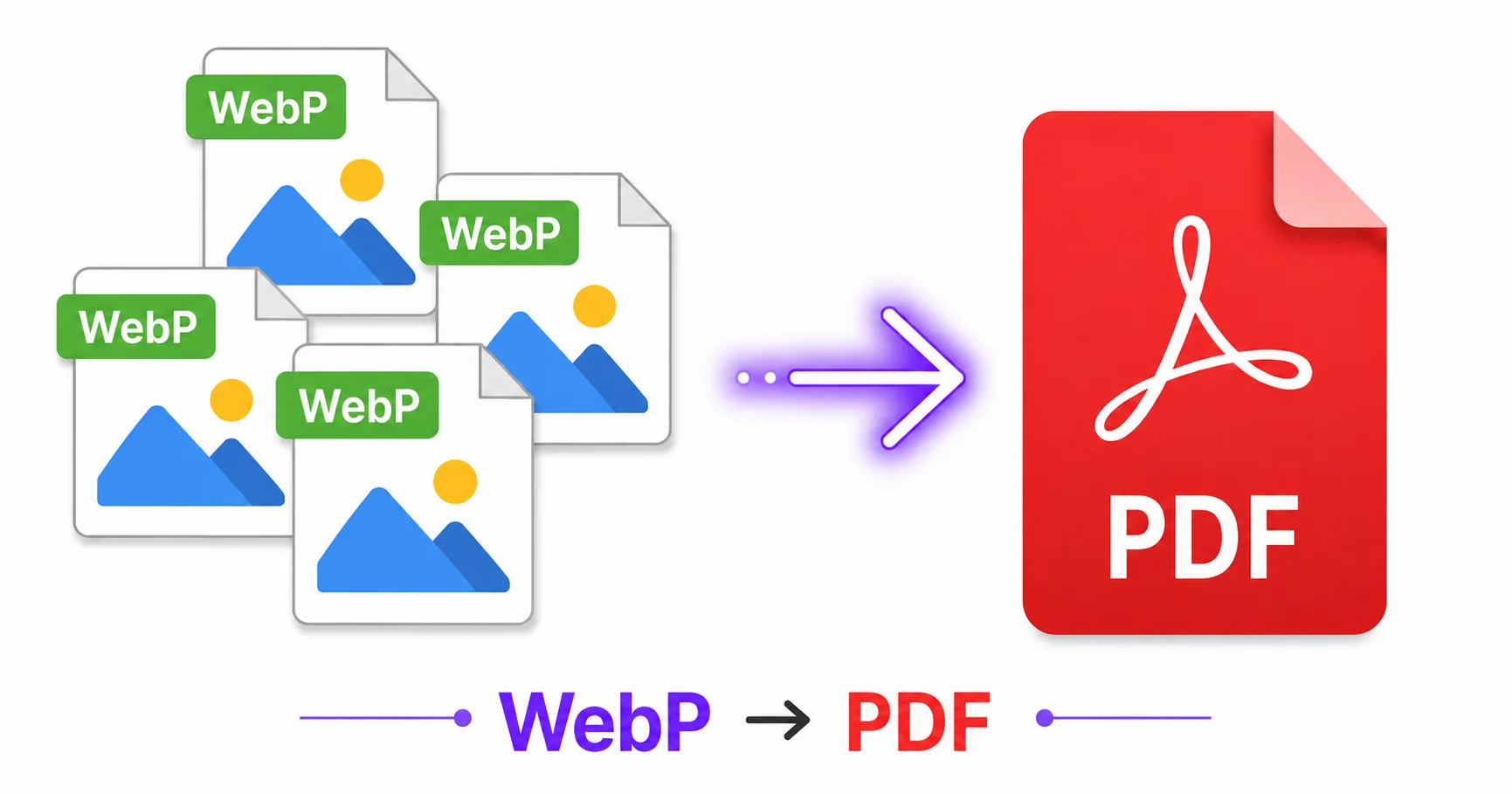
Save an image from a website these days and there’s a good chance it downloads as WebP. That’s great for the site’s loading speed, but not always convenient when you need to drop that image into a document. Converting WebP to PDF bridges that gap in seconds.
Why WebP Images Need Converting for Documents
Many document editors and PDF tools don’t handle WebP as smoothly as more established formats like JPG or PNG, since WebP is a newer format built primarily for the web, as detailed in Google’s WebP documentation. Converting directly to PDF sidesteps any compatibility issues and gets you a ready-to-share document immediately.
How to Convert WebP to PDF Online — Step-by-Step
Using ImageConvertNow’s WebP to PDF tool:
- Go to imageconvertnow.com/webp-to-pdf.
- Upload one or more WebP images.
- Arrange the page order if combining multiple images.
- Click Convert and download your finished PDF.
Combining Multiple WebP Files into One PDF
If you’ve saved several WebP images from a website, whether for research, reference, or documentation, most converters let you upload them all at once and combine them into a single multi-page PDF, arranged in whatever order you choose. This is far faster than converting each one individually and merging them afterward.
Common Use Cases
- Research compilations: Bundle web-sourced images into a single reference document.
- Design references: Combine WebP inspiration images downloaded from various sites into one PDF.
- Reports and documentation: Insert web graphics into a shareable, universally compatible format.
- Archiving web content: Save a set of images as a document before they potentially get removed from a site.
Frequently Asked Questions
1. Why do images downloaded from websites often save as WebP?
Many websites serve WebP by default since it produces smaller files than JPG or PNG at similar quality, helping pages load faster.
2. Can I combine multiple WebP images into one PDF?
Yes, most converters let you upload several WebP files at once and combine them into a single multi-page PDF document.
3. Is WebP to PDF conversion free?
Yes, ImageConvertNow converts WebP to PDF for free with no account required.
4. Will the image quality stay the same in the PDF?
Yes, the conversion embeds your WebP images into the PDF without additional lossy compression, preserving the original quality.
5. Can I reorder my images before converting?
Most tools let you arrange the upload order of your images, which determines the page order in the finished PDF.
Conclusion
Turning web-downloaded WebP images into a shareable document takes seconds with the free WebP to PDF converter.
Need to extract images from an existing PDF instead? Use the PDF to JPG tool, or bundle PNG files with the PNG to PDF tool. Explore more of the toolkit: compress your images, remove backgrounds, convert a WebP file to JPG, or turn a GIF into a still PNG. Learn more at pdf-lib’s PDF reference and web.dev’s image optimization guide.