
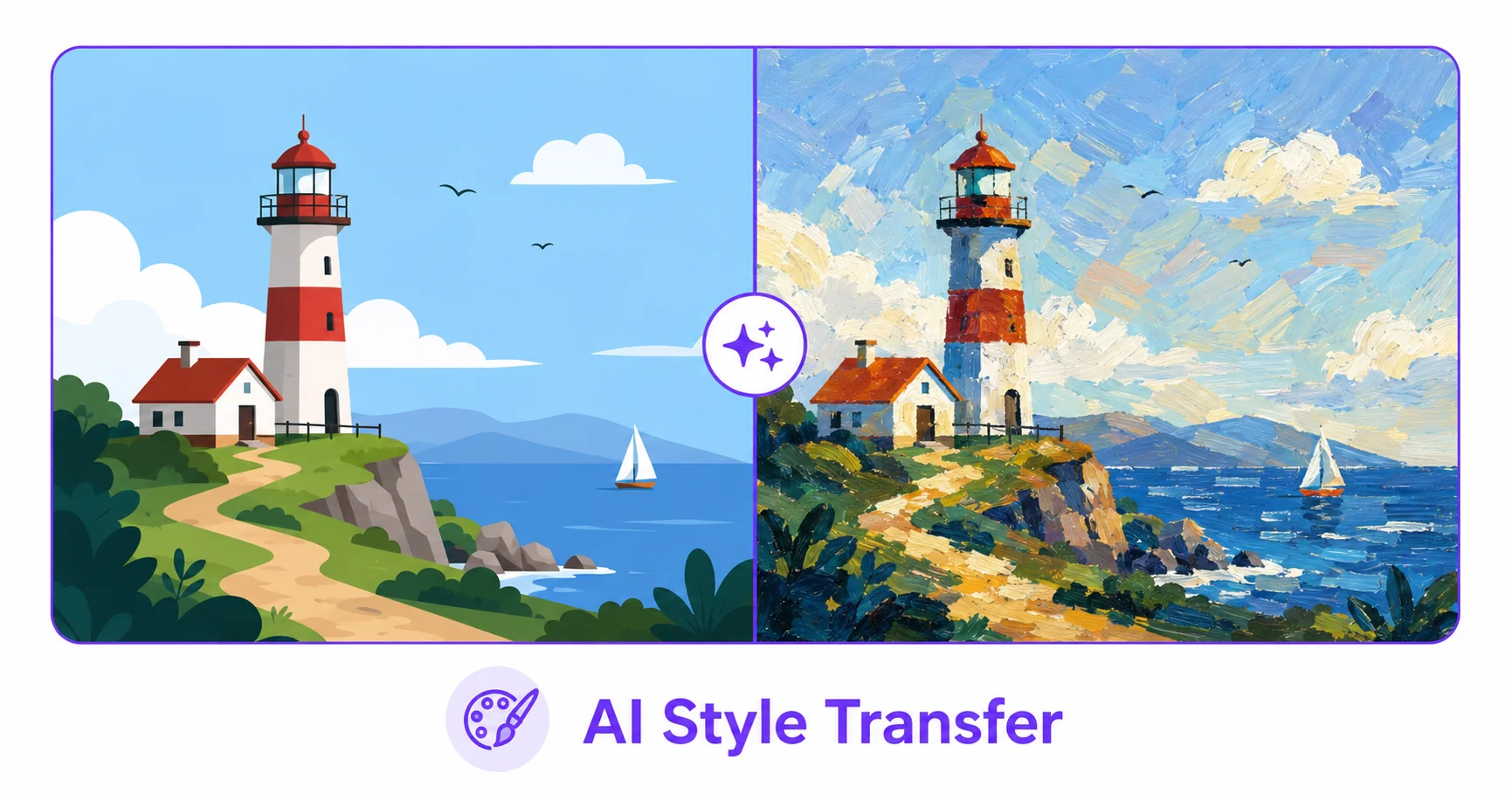
Turning an ordinary photo into something that looks hand-painted used to require real artistic skill or hours in design software. AI style transfer does it automatically, reimagining your photo in the visual style of a painting or artistic technique in seconds.
What AI Style Transfer Actually Does
AI style transfer takes your original photo and reinterprets it using the visual characteristics of a chosen artistic style, things like brushstroke texture, color treatment, and composition patterns associated with a particular painting style. The result keeps the recognizable structure of your original photo while giving it a completely different artistic look.
How to Apply Style Transfer to an Image — Step-by-Step
Using ImageConvertNow’s style transfer tool:
- Go to imageconvertnow.com/style-transfer.
- Upload the photo you want to transform.
- Choose an artistic style from the available options.
- Let the AI process the image and download your finished artwork.
Choosing the Right Style and Getting Better Results
Different styles suit different photos: bold, high-contrast images often translate well into expressive painterly styles, while softer, simpler compositions can work nicely with more subtle artistic treatments. It’s worth trying a few different style options on the same photo, since results can vary significantly depending on the original image’s colors, lighting, and composition. Starting with a high-resolution original also helps the AI preserve more detail in the final result.
Common Use Cases
- Custom wall art: Turn a personal photo into a printable, painting-style piece.
- Social media content: Create eye-catching, artistic posts that stand out from regular photos.
- Gifts: Transform a meaningful photo into a unique, artistic keepsake.
- Creative branding: Give marketing visuals a distinctive artistic edge.
Frequently Asked Questions
1. Will style transfer completely change what’s in my photo?
No, the underlying structure and content of your original photo stays recognizable; style transfer changes the visual treatment and texture, not the actual subject or composition.
2. Can I try multiple styles on the same photo?
Yes, you can apply different style options to the same original image to compare results and pick your favorite.
3. Is AI style transfer free?
Yes, ImageConvertNow’s style transfer tool is free to use with no account required.
4. What kind of photos work best for style transfer?
High-resolution photos with clear subjects and good lighting generally produce the most striking results, though it’s worth experimenting since outcomes vary by image.
5. Can I print the finished artwork?
Yes, the downloaded image can be printed like any other digital artwork, though for large prints, starting with a high-resolution original will give the best results.
Conclusion
Turning a photo into artwork takes seconds with the free AI style transfer tool. Try a few different styles and see which one fits your photo best.
Explore more of the toolkit: pair style transfer with AI enhancement for a sharper starting photo, fine-tune your result in the photo editor, compress your finished artwork, or remove the background before styling. Convert a WebP file to JPG or a GIF to a still PNG first if needed. Learn more at web.dev’s image optimization guide and MDN’s image formats reference.