
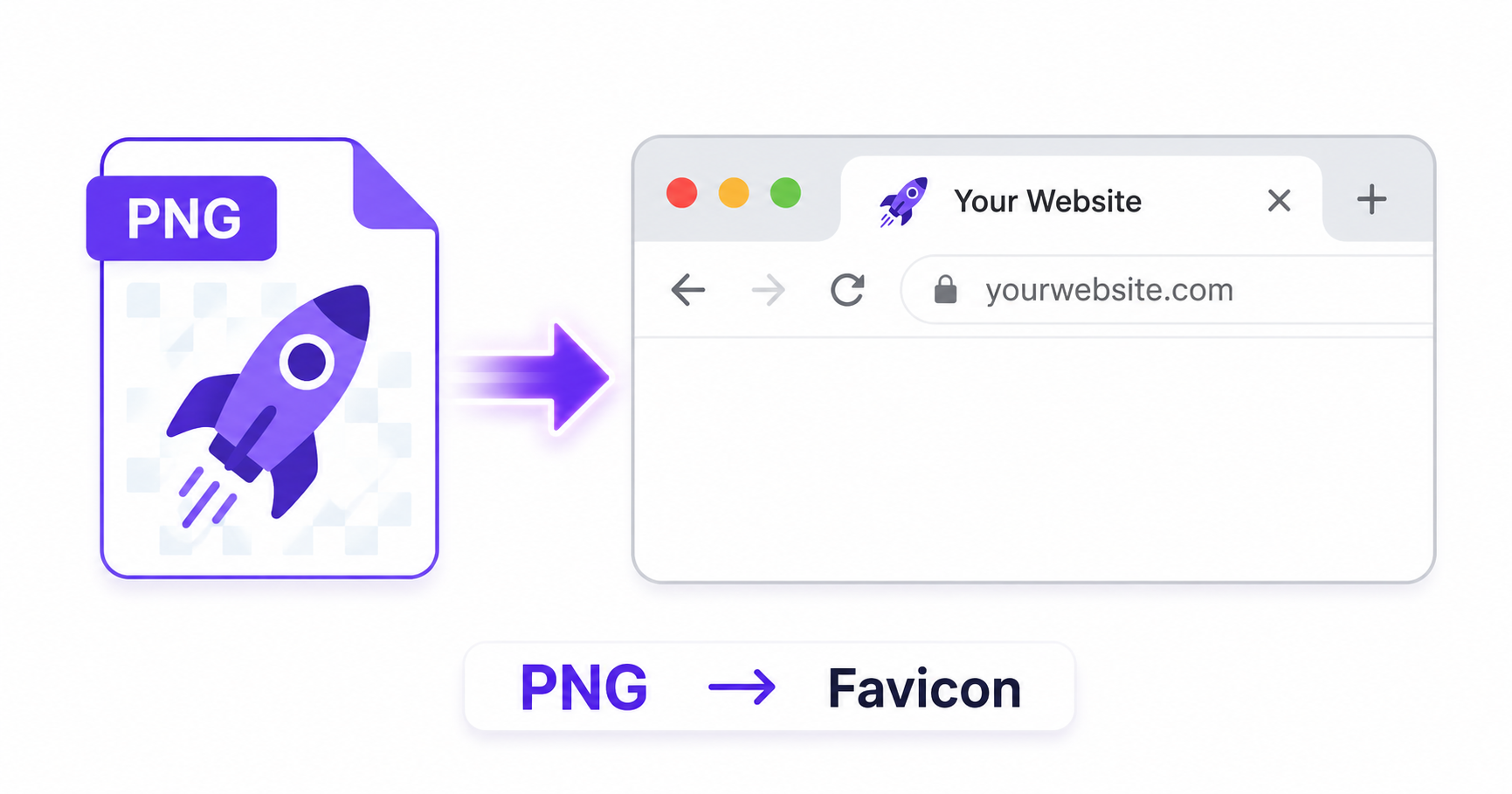
That small icon in a browser tab might look tiny, but it plays a real role in branding and user recognition. If your site is still using the default browser icon, or you want to refresh your favicon, turning a PNG into one takes just a few seconds online.
What Are Favicons?
A favicon is the small icon displayed in a browser tab, bookmarks bar, and browser history next to your site’s name. Technically, favicons use the ICO format, which can bundle multiple icon sizes into a single file so browsers and devices can choose the most appropriate resolution automatically.
Why Favicons Matter for Branding and SEO
A favicon helps your site stand out among a dozen open browser tabs and reinforces brand recognition every time someone bookmarks or revisits your page. While a favicon isn’t a major direct ranking factor, Google’s Search Central guidance notes that favicons can appear in search results and browser UI, making a professional-looking icon part of a polished, trustworthy site presence.
How to Create a Favicon from PNG — Step-by-Step
Using ImageConvertNow’s PNG to ICO tool:
- Go to imageconvertnow.com/png-to-ico.
- Upload your PNG image (ideally a square logo or icon design).
- Click Convert to generate your favicon file.
- Download your finished ICO file.
How to Add It to Your Website
Once you have your favicon file, adding it depends on your platform:
- HTML/custom sites: Add
<link rel="icon" href="/favicon.ico">inside your page’s<head>section. - WordPress: Upload the icon under Appearance > Site Identity, where WordPress will handle the necessary code automatically.
- Next.js: Place the file in the
publicorappdirectory following your framework’s favicon conventions, and it will be served automatically.
Frequently Asked Questions
1. What image size works best for a favicon? A square image, ideally at least 256×256 pixels, gives you the flexibility to generate multiple favicon sizes without losing sharpness.
2. Can I use a logo with text as a favicon? Simple logos or icon marks tend to work best, since favicons are displayed extremely small and detailed text often becomes unreadable at that size.
3. Is creating a favicon from PNG free? Yes, ImageConvertNow lets you create a favicon from any PNG for free with no account required.
4. Do I need to replace my favicon on every page of my site? No, favicons are typically set once in your site’s header or theme settings and apply automatically across every page.
5. Why isn’t my new favicon showing up after I upload it? Browsers often cache favicons aggressively. Try a hard refresh or clearing your browser cache if your new icon isn’t appearing right away.
Conclusion
A clean, recognizable favicon is a small detail that makes a real difference in how professional your site feels. Create yours in seconds with the free PNG to ICO tool.
If you ever need to extract an existing favicon as an image, use the ICO to PNG tool, or resize your logo before converting for the best results.